Skip to content
 REC
Front · Real H2 footage

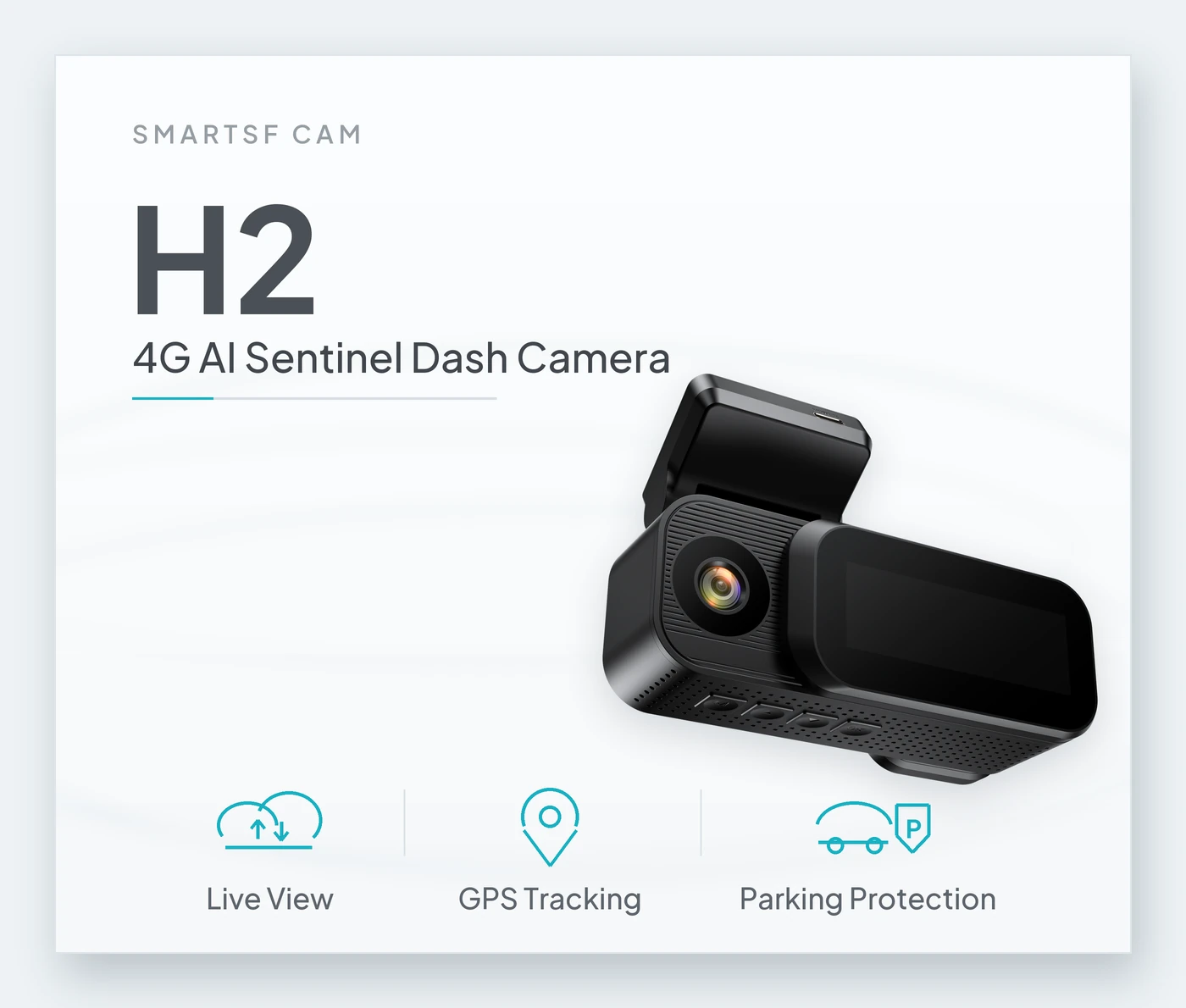
H2 · 4G AI Sentinel Dash Camera

The whole camera,
on one page.

Every capability with its limits next to it. Nothing here needs a footnote three screens down.

Free US shipping · Ships in 1–2 business days · 30-day returns · 1-year limited warranty
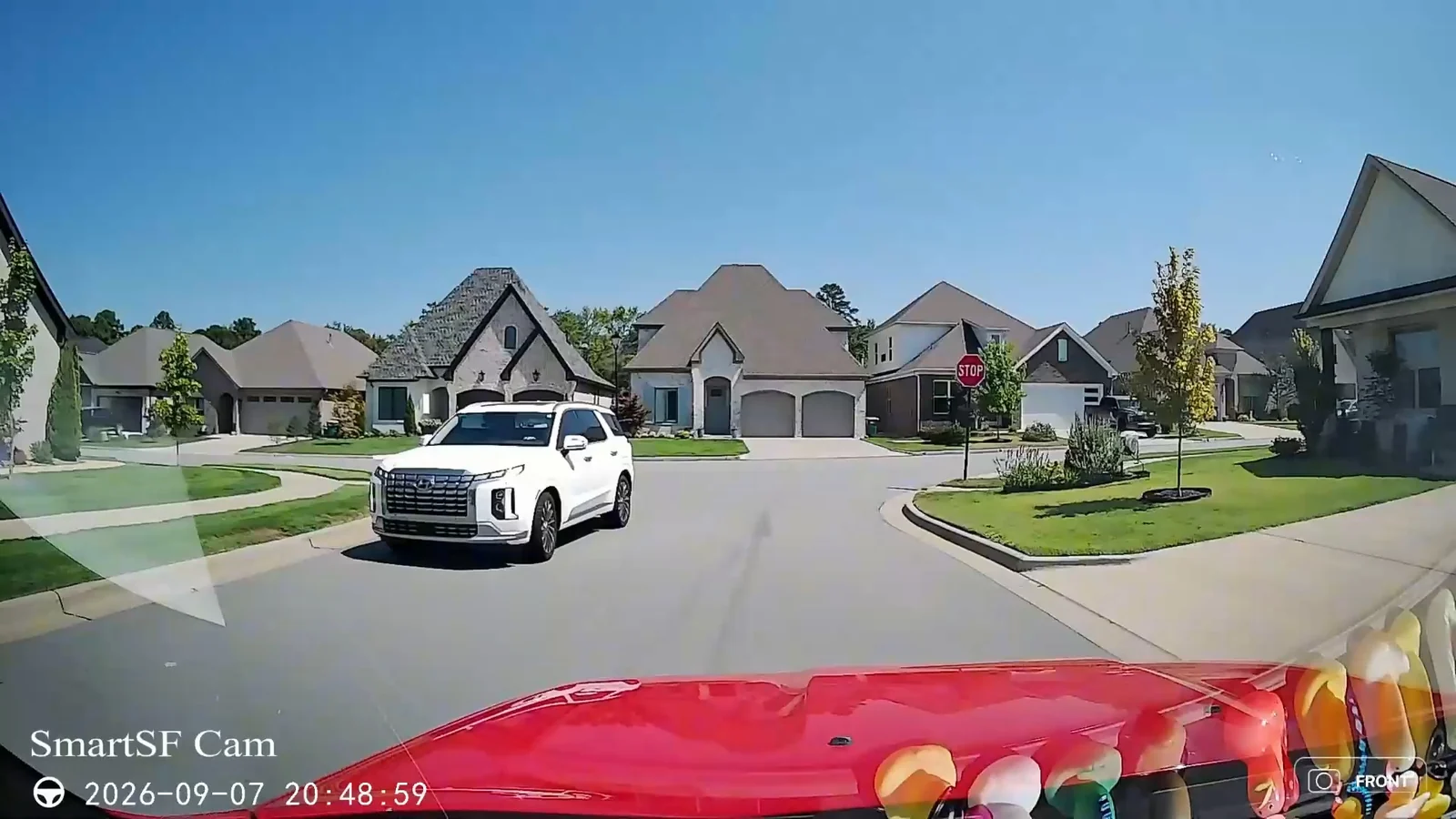
Road view recorded by an H2Front
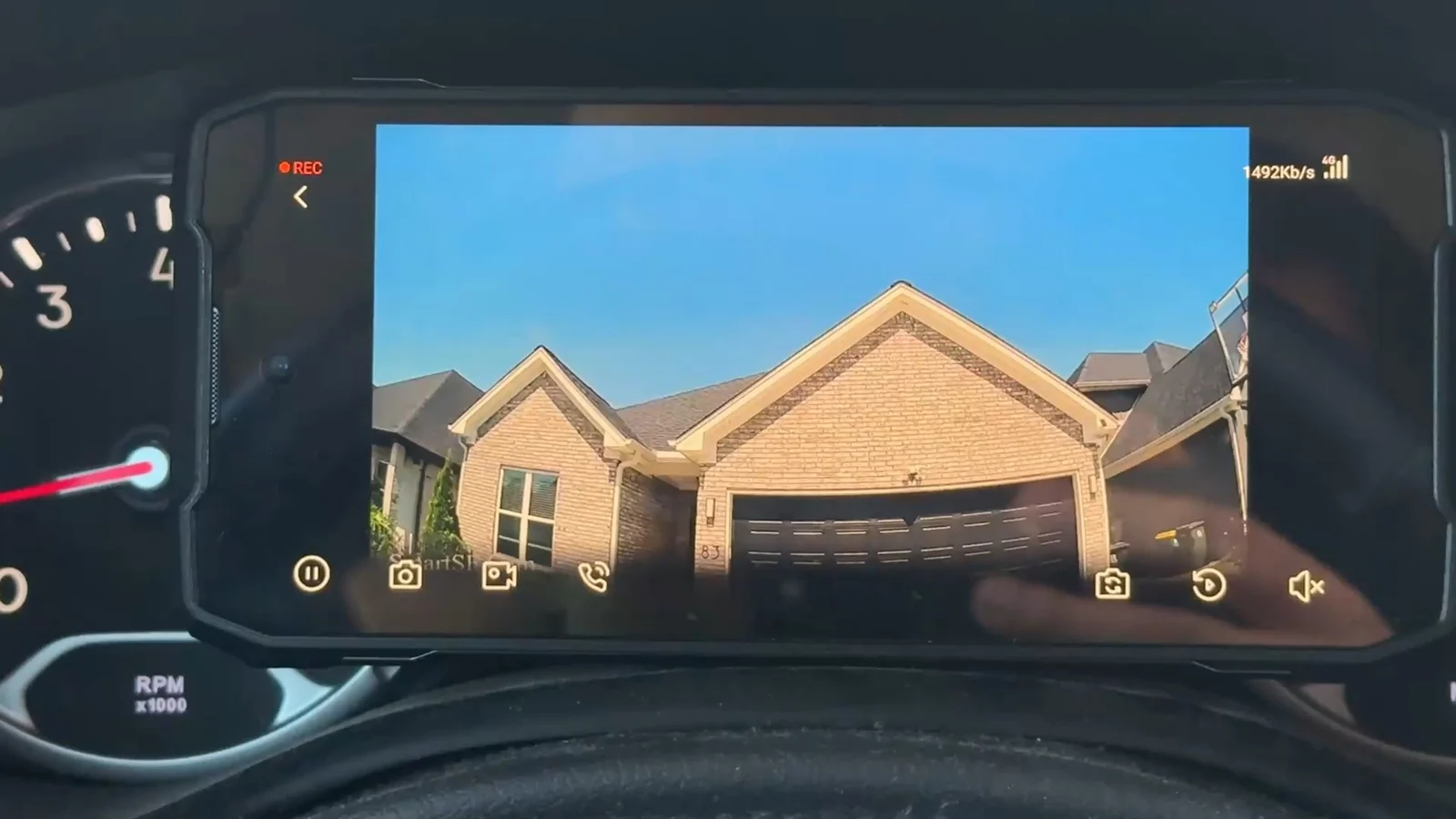
Live view in the appApp
The H2 screen in the carScreen
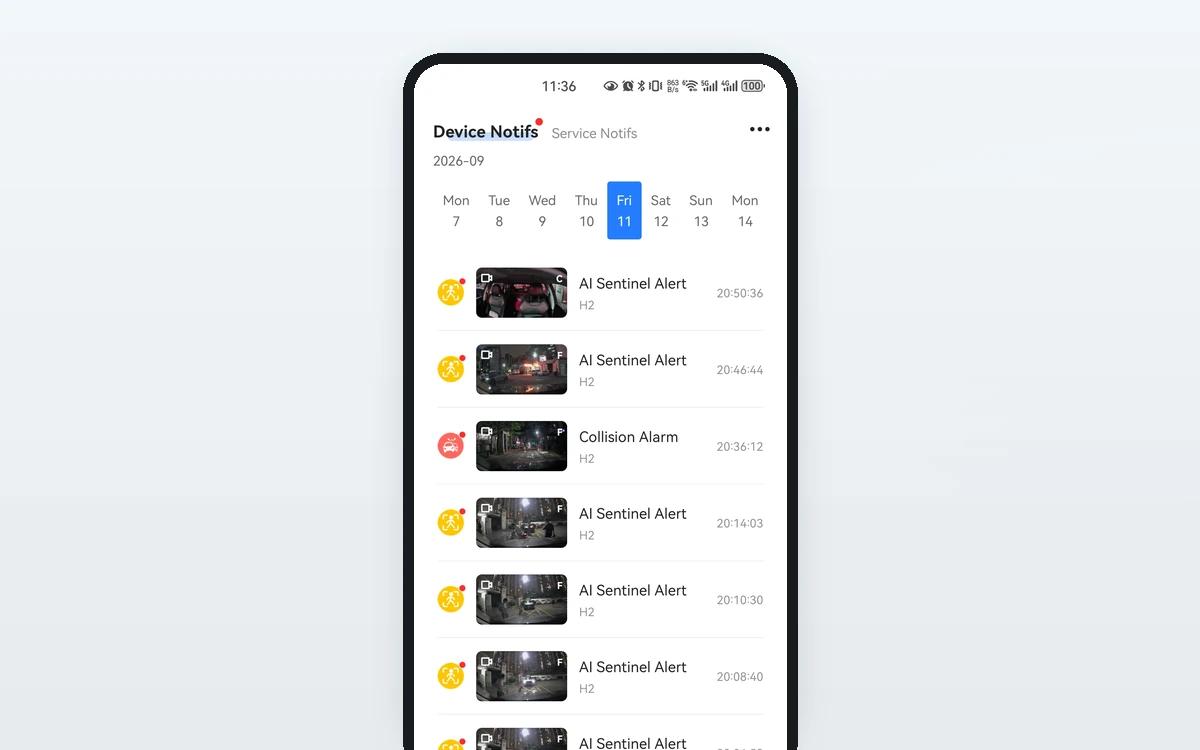
The SmartSF App notification list — AI Sentinel and collision alerts, each with the clip it lockedSentinel
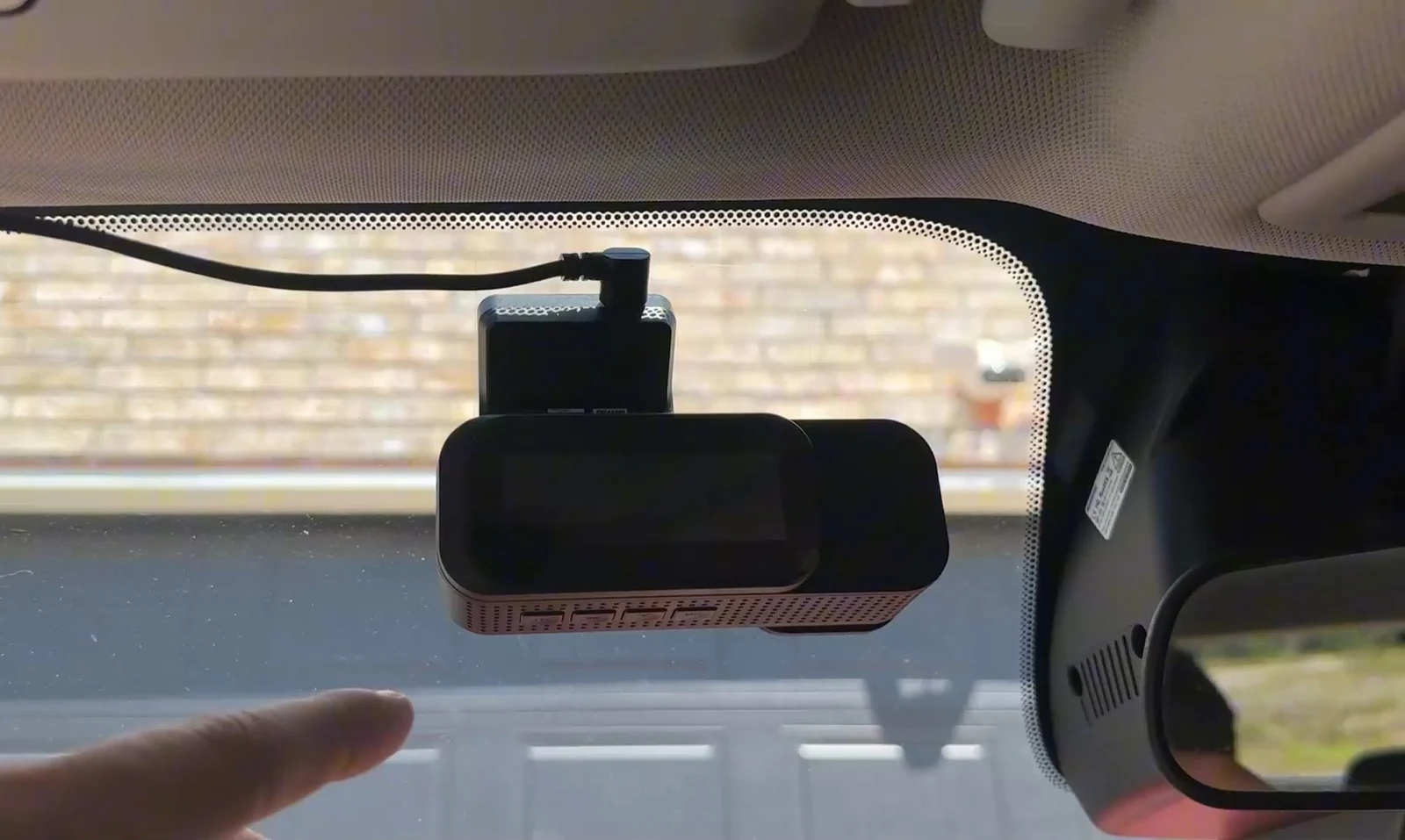
Installed on a windshieldInstall
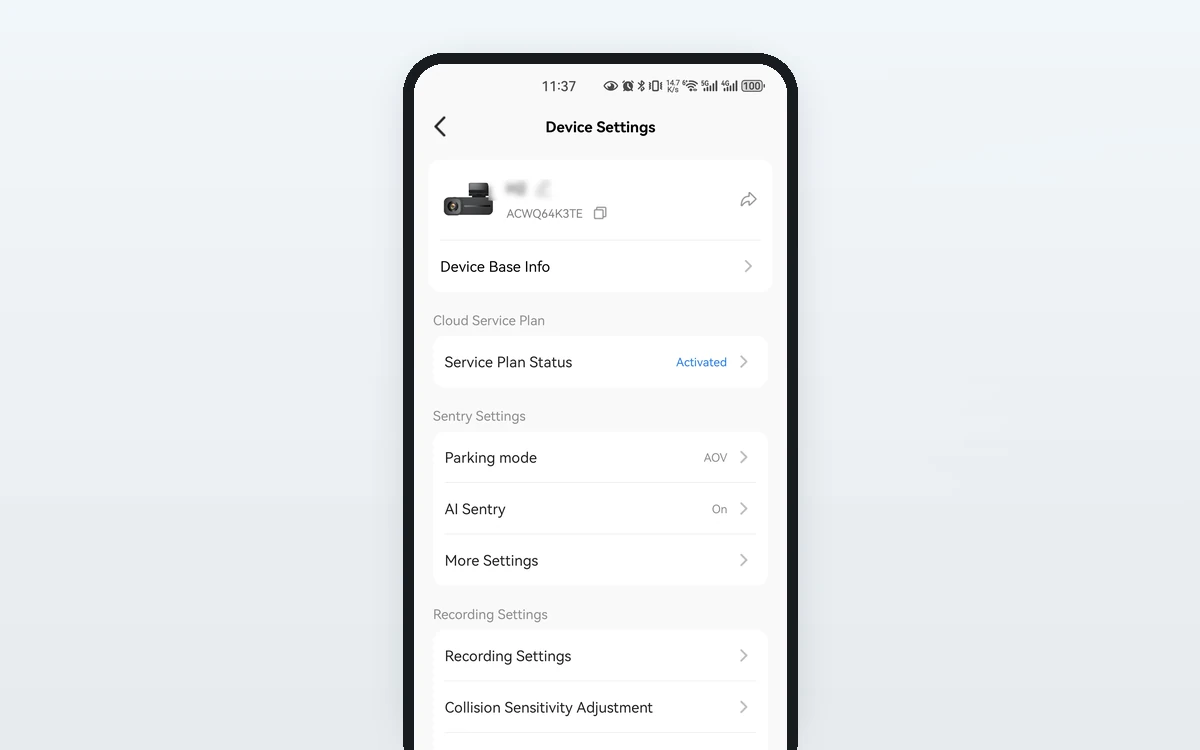
Device settingsSettings
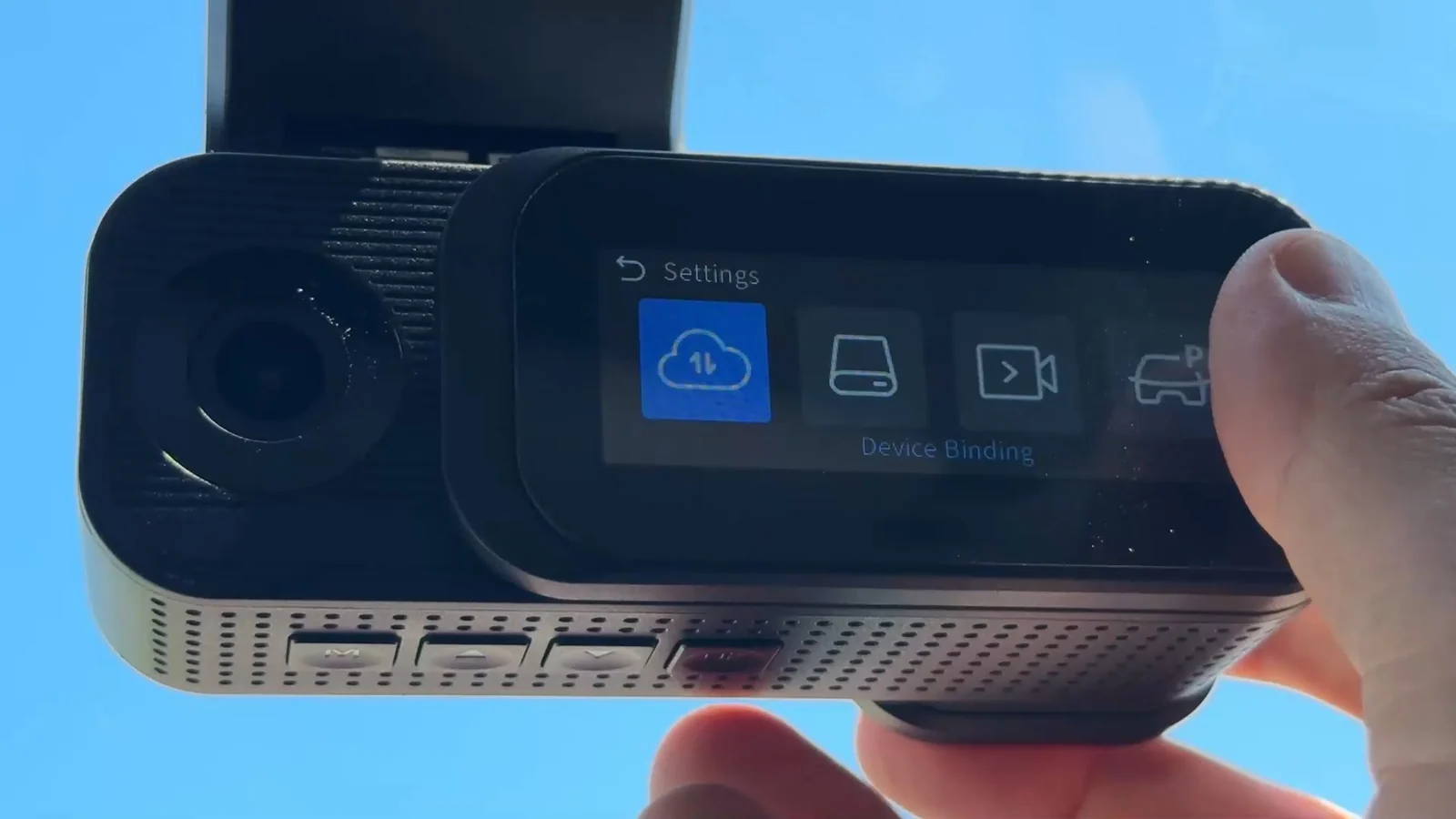
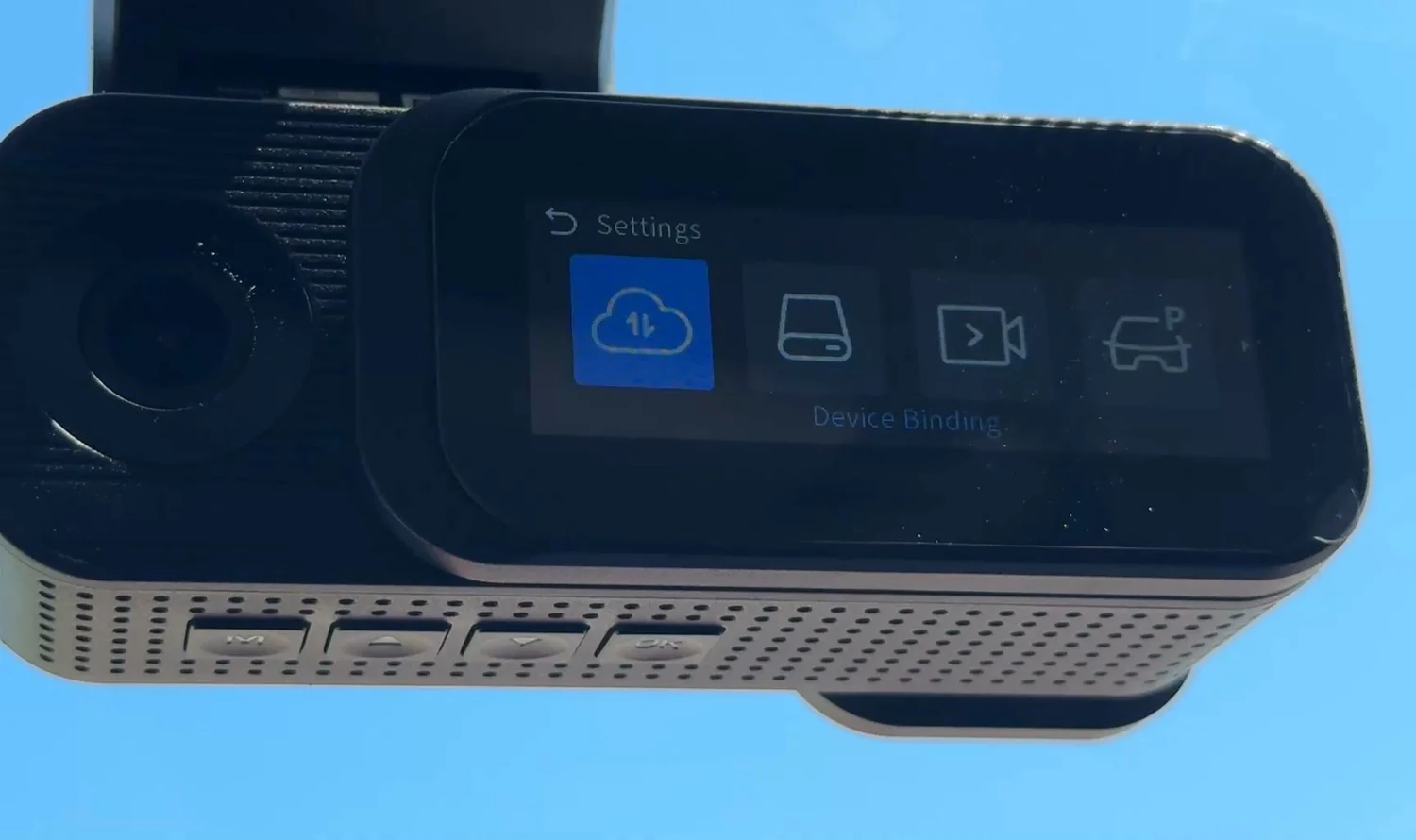
Cloud settings on the unitMenu
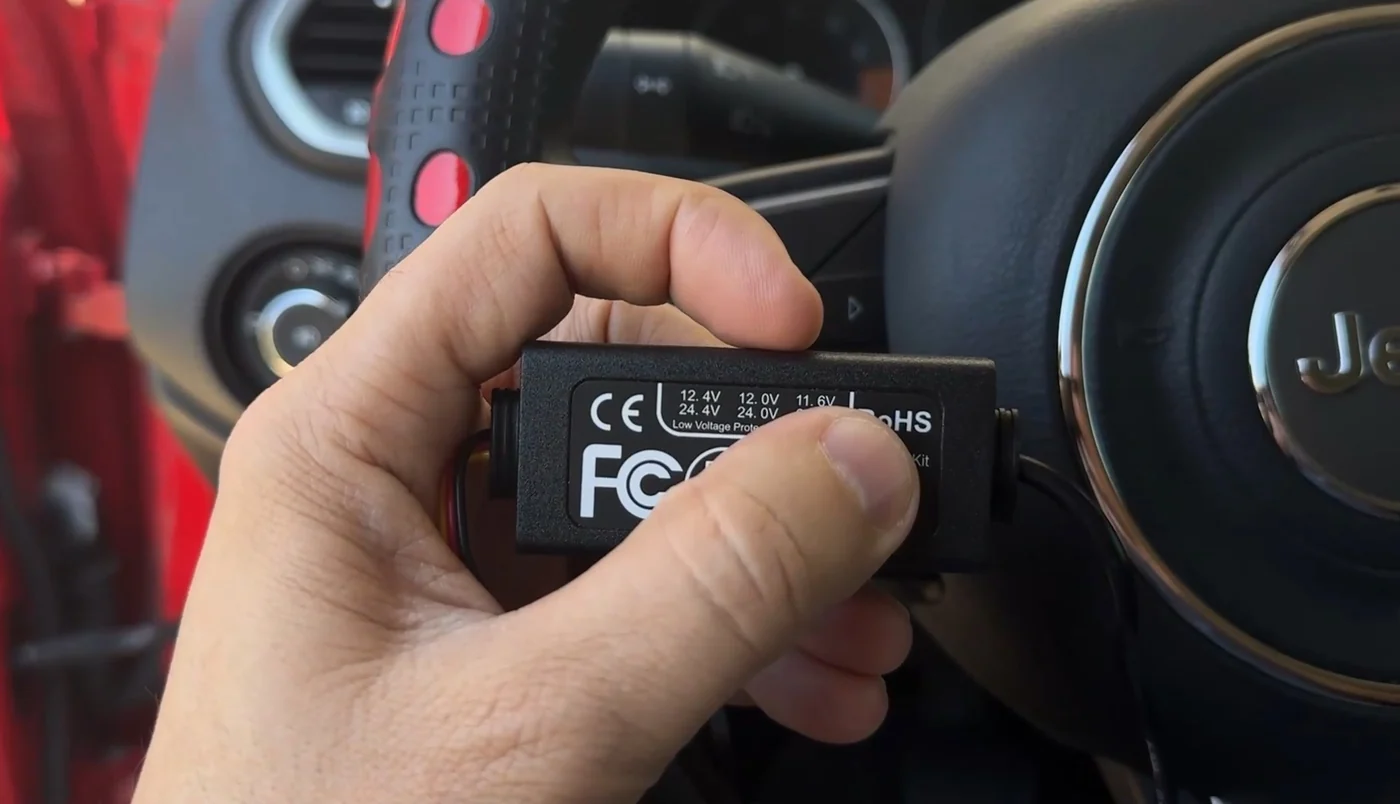
Power module in handPower
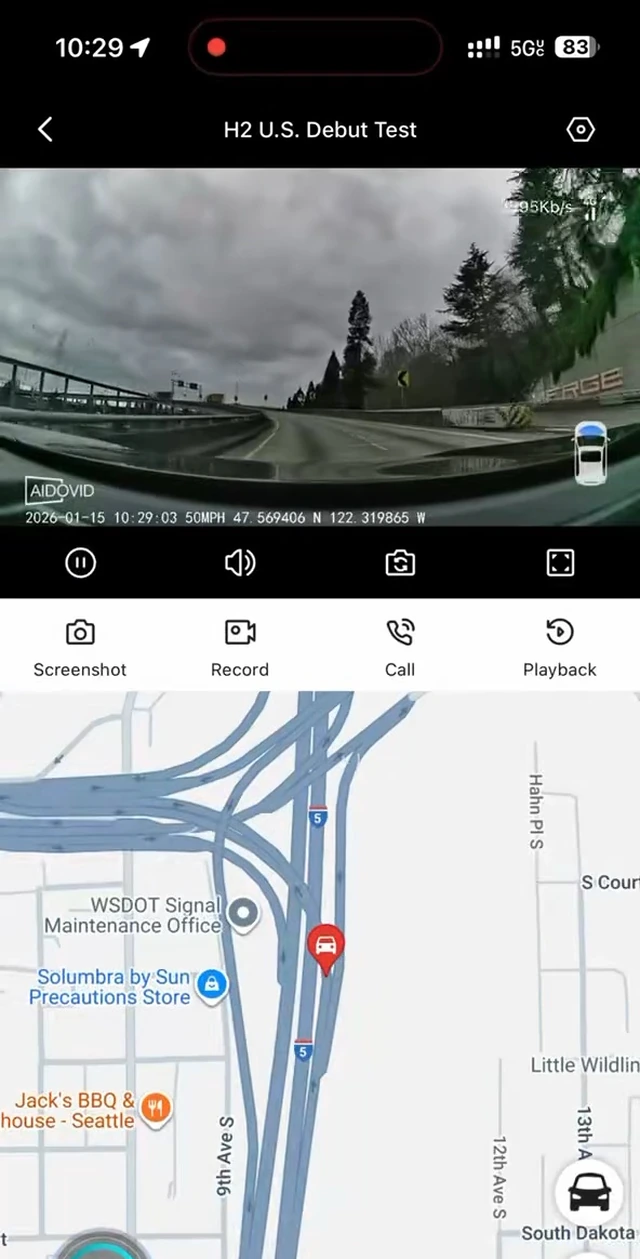
Road footage recorded by an H2 — the camera stamps its own watermark and timestampFront
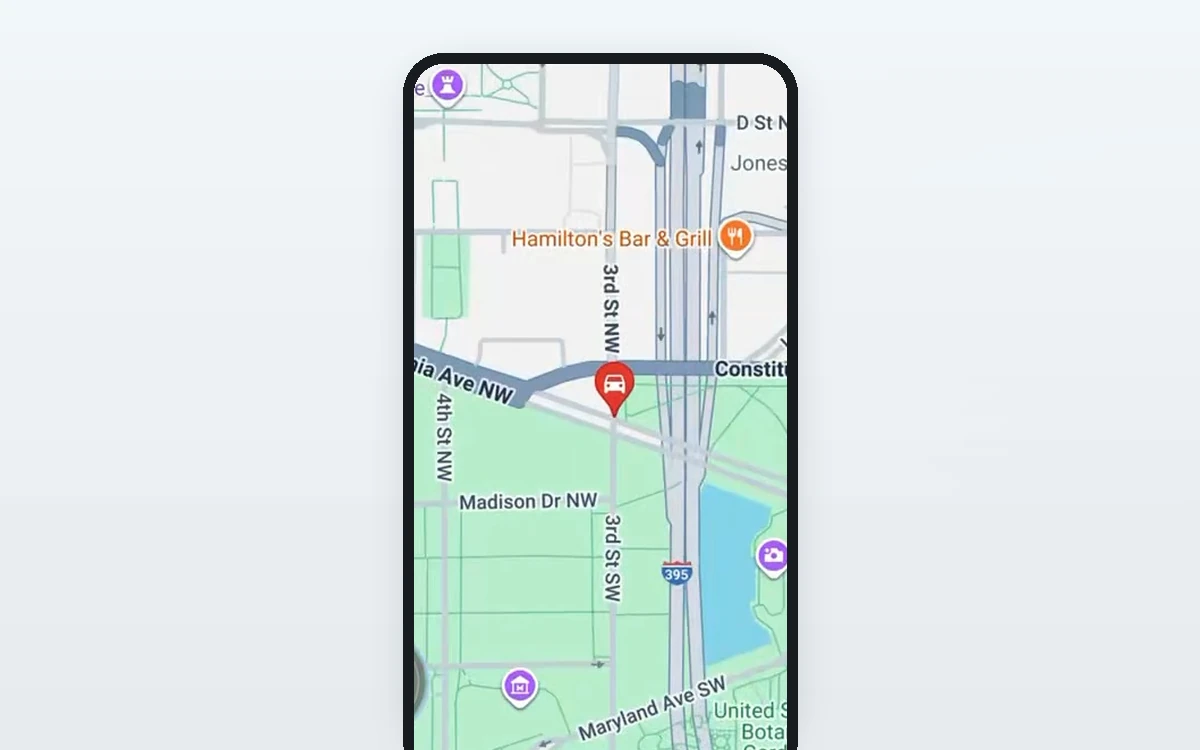
A recorded trip played back in the SmartSF App, with the route drawn on the map below itGPS
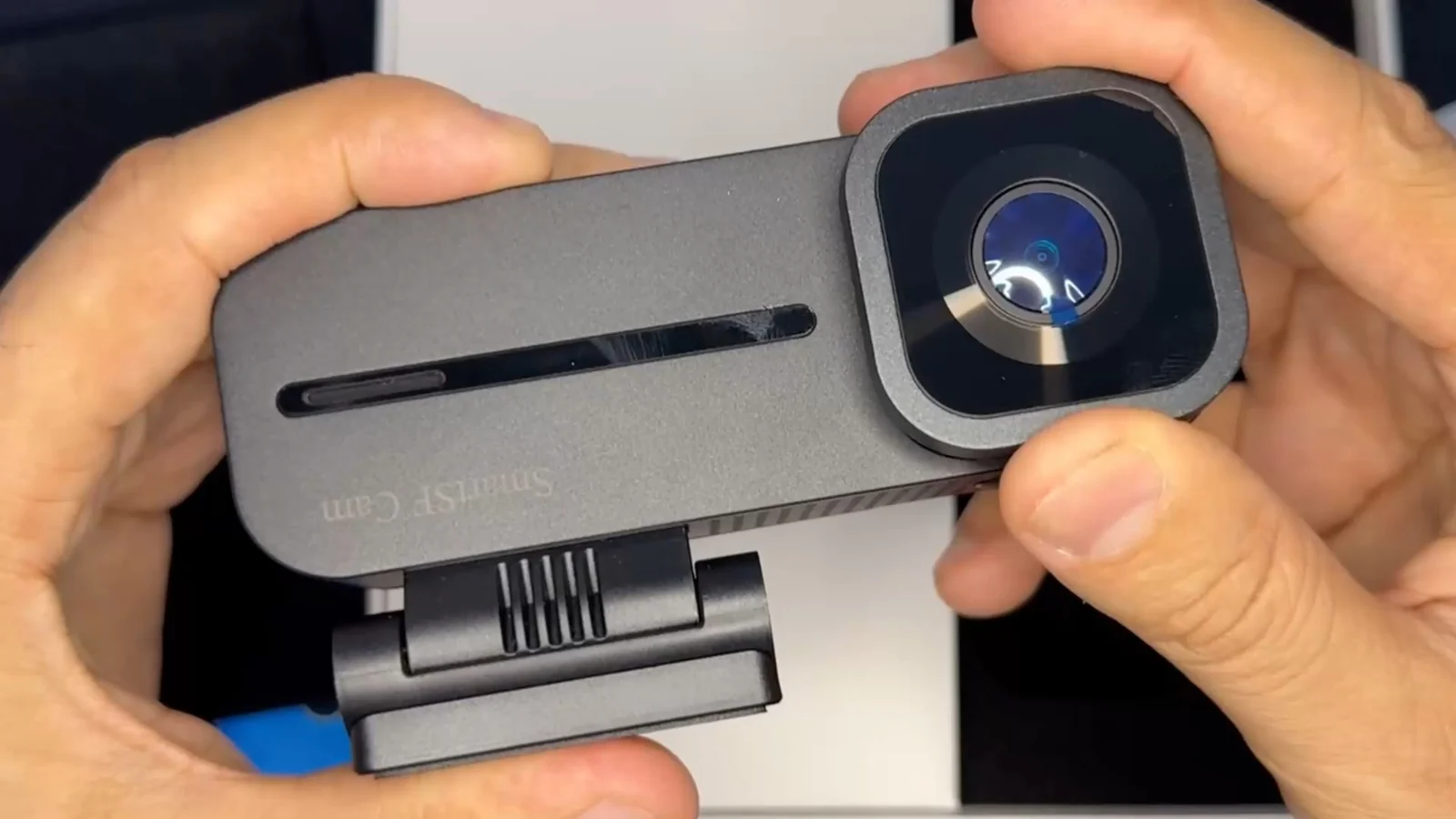
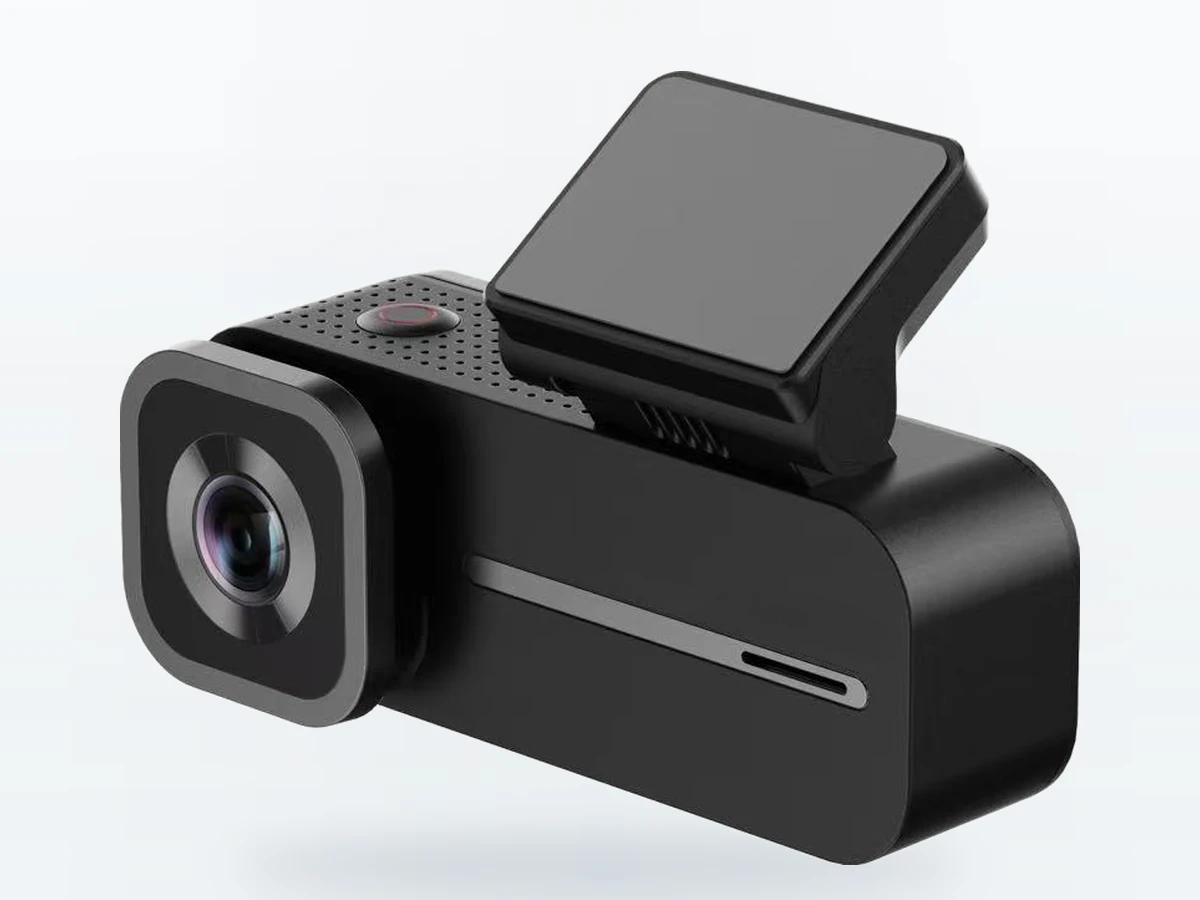
The H2 held in a hand, showing the road lens and the ribbed housingUnit
Device Binding on the H2's own screen during pairingPairing
The H2 mounted on a windshield behind the rear-view mirrorMount
The front of the H2 retail box, still shrink-wrappedBox
01  ·  The cameras

Three angles, three different jobs.

Two of them are in the body you buy. The third is a separate unit.

The road-facing side of the H2: the forward lens in its square housing, with the microSD slot along the bodyRoad Interpolated, and we say so — the sensor figure is below.

Road camera

2K 2560×1440, interpolated from a native 1920×1080 sensor. F1.55 aperture, HDR, and a 1 TOPS NPU on board that decides which events are worth locking.

The cabin-facing side of the H2: the cabin lens on the left, the sliding display beside it, and the push-to-cover markings underneathCabin The arrows and the crossed-out camera under the lens are the instruction.

Cabin camera

1080p 1920×1080. It shares a face with the sliding display — push the display across and the lens is physically covered. The camera is marked for it: two arrows and a crossed-out camera sit right under the lens. The filter passes 940 nm infrared.

Rear cameraRear · optional A separate unit. Not in this box.

Rear camera

1080p, sold separately, and back in stock soon. It plugs into the same H2 over its own cable, so it is a third channel rather than a swap for the cabin one. You can add it later — $20 more in the kit today, or, once it is back, write to us and we will arrange one on its own at that same $20.

From the second the ignition turns

It loops in 1, 2 or 3-minute files, locks the file it just felt, and lifts it off the card.

02  ·  One file, end to end

What happens to a clip, from the second it is recorded.

The road camera streaming live in the SmartSF App
Live SmartSF App
  • Loop recordingFiles of 1, 2 or 3 minutes, written to the 64 GB card that is already in the slot. When the card fills, the oldest unlocked file goes first.
  • The file is lockedThe G-sensor has four settings — Off, Low, Mid and High, and it ships on Mid. A locked file is moved out of the loop so it is not overwritten. You can also lock the current file yourself with the Up button.
  • It leaves the carOver the camera’s own 4G. On Standard and Premium a copy goes to the cloud; on any plan the alert reaches your phone. Needs an active plan and cellular coverage — the order here is what happens, not a delivery time we can promise.
  • You take the full fileWi-Fi 6, dual band, straight to your phone at full resolution — no card removal, no cellular data used.

Card space is divided between normal and parking footage, locked events, and photos. A 32–256 GB card, U3/V30 or above, will also work if you want to swap it.

03  ·  The display

A 2.99-inch screen that doubles as the lens cap.

As a screen

  • 2.99-inch IPS, 428×142. It is not a touchscreen — five physical buttons: Power, Menu, Up, Down, OK.
  • Aim the camera on the glass without opening the app or pairing anything first.
  • OK switches the view between the road camera and the cabin camera.
  • Up locks the file that is recording right now. Down turns the microphone on or off.

As a cover

  • Slide the display shut and it physically covers the cabin lens.
  • A Hall sensor reads where the display is sitting, so the cover is a hardware state — not a setting in an app that someone could switch back from somewhere else.
  • Slide it open when you want the cabin recorded again.
  • Audio recording is switched off from the factory. The Down button turns it on or off.
Recording laws differ from state to state, and some require everyone in the car to consent before they are recorded — audio especially. Check the rules where you drive, and tell your passengers.
04  ·  Parked

Two ways to keep looking, and one way to stop.

Keeps recording
AOV

Records the whole time it is on watch, at a low frame rate, so there is continuous footage rather than only the moments something happened. The menu calls it Auto Open Video.

Sleeps and wakes
Standby

Sleeps and only wakes when the G-sensor feels an impact, then records at full frame rate. Lighter on the battery than AOV, at the cost of the footage from before the event.

The third setting
PowerOff

The off switch. The camera shuts down and records nothing. It is not a way of watching the car.

How long, and what ends it

Either watch is set for up to 24 hours at a time. It runs on constant power from one of the two kits in the box, and low-voltage protection ends the watch when battery voltage drops below the threshold, so it stops instead of drawing the battery down any further.

Collision sensitivity has the same four settings while parked as while driving — Off, Low, Mid, High, shipping on Mid.

What reaches you while it watches

An impact locks the clip on the card and sends an alert to your phone. From the app you can open live view, look into the cabin, check where the car is on five-system GNSS, or talk through the camera.

All of that needs an active plan and cellular coverage where the car is parked. Cloud backup of locked clips is on Standard and Premium; the $9.99 Basic plan has no cloud storage.
05  ·  Power

Two ways to power it, and both are in the box.

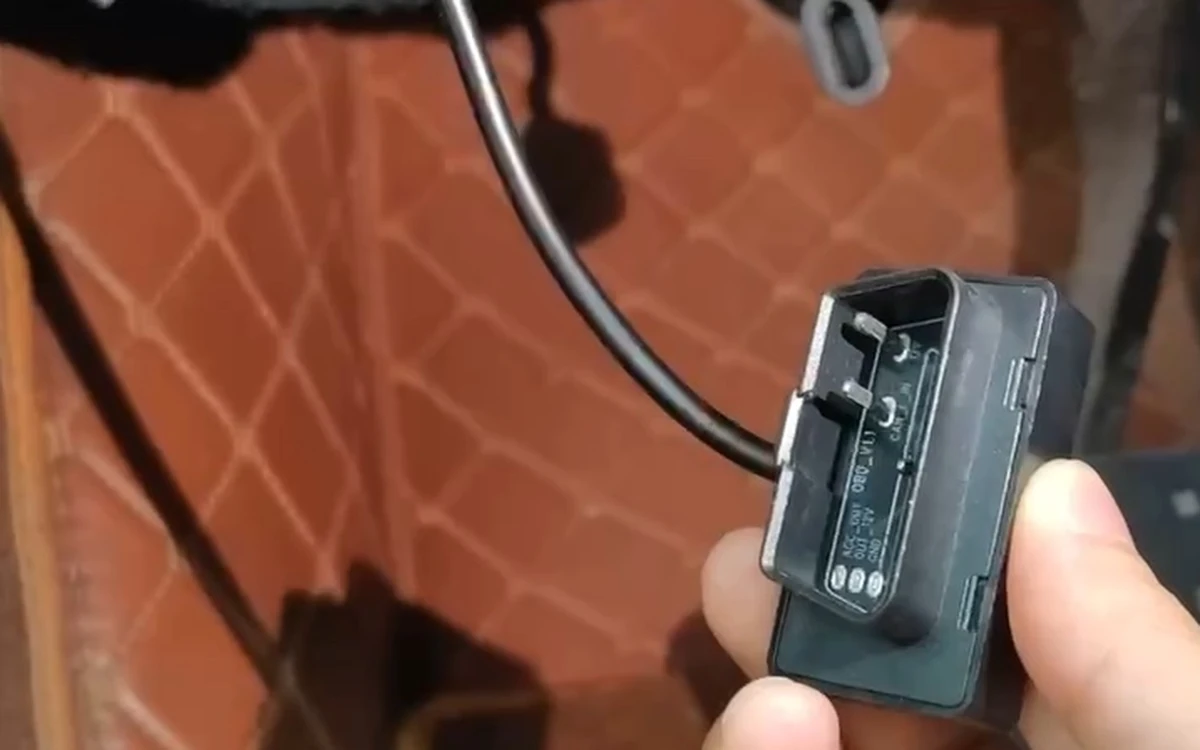
The OBD-II adapter in hand, its 16-pin connector facing the camera
Free while supplies last

OBD-II adapter

Plugs into the OBD-II port under the dash. No fuse box, no fuse taps, nothing to unplug when you sell the car.

Watch the install →
The hardwire kit’s low-voltage protection module in hand
In the box

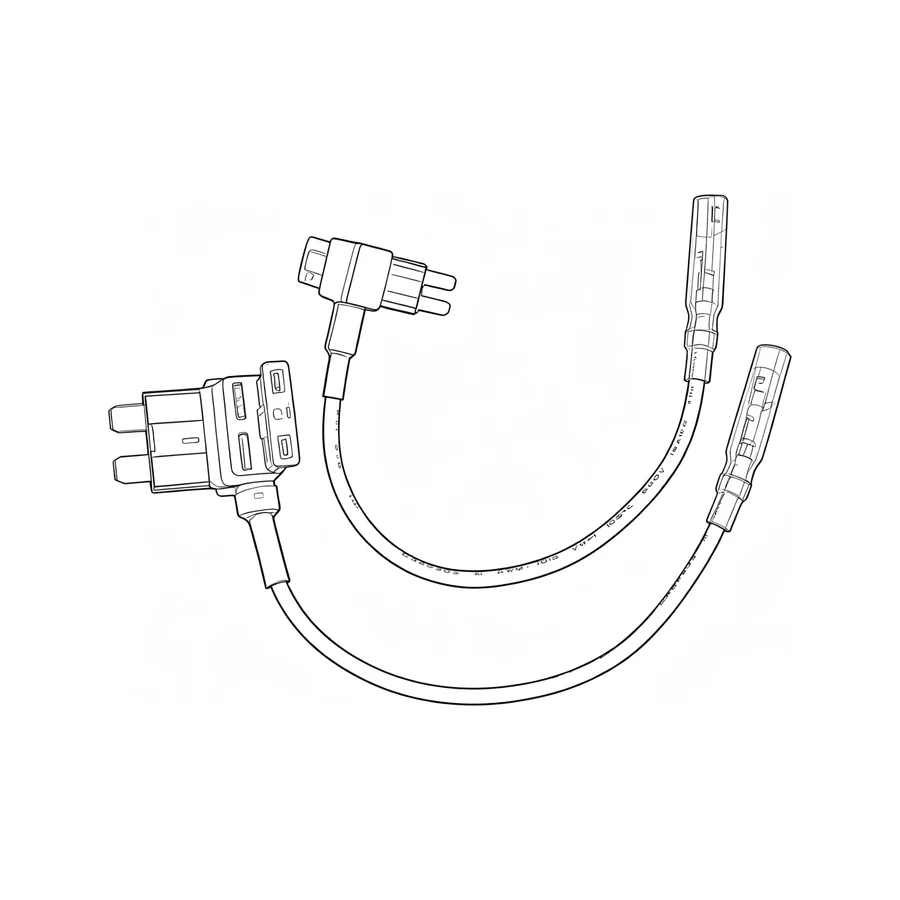
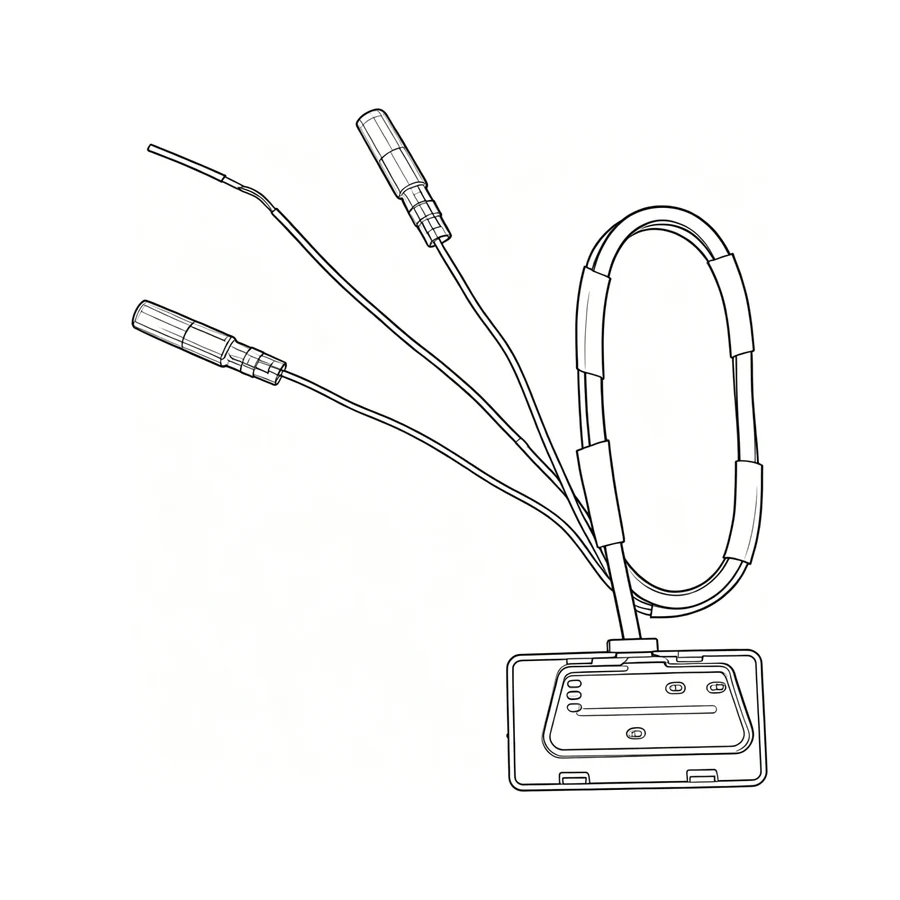
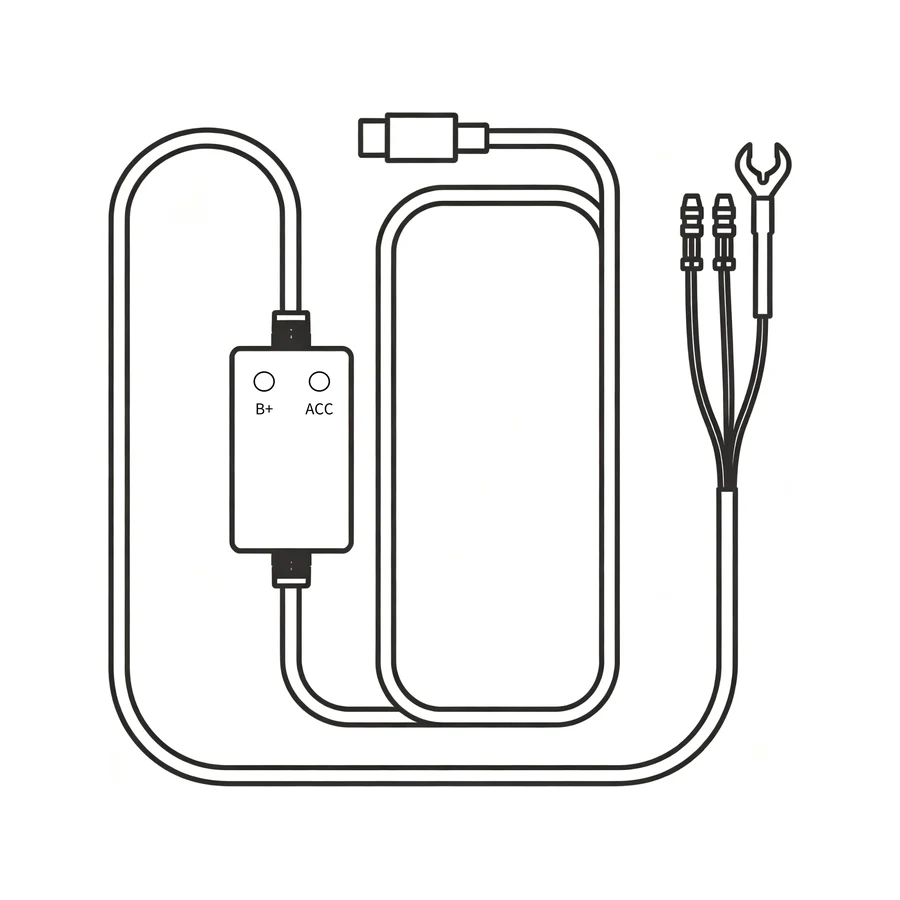
Hardwire kit with fuse taps

Yellow to constant power, red to ACC, black to ground, using the fuse taps in the box. Vehicle input is 12–24 V; the camera itself runs on 5 V / 3 A and draws at most 7.5 W. The full electrical figures are in the spec sheet below.

Watch the install →

There is no cigarette-lighter cable in the box. Both kits give the constant power the parking watch needs; the cigarette socket in most cars does not.

06  ·  Getting it online

It brings its own 4G. This part still needs your hands.

Device binding on the H2 screen
Pairing Device Binding
  • Install the appIt is listed as AIDOVID in the App Store and on Google Play. That is the right one — the store name and the brand name are different.
  • Turn Bluetooth on and stand next to the cameraBluetooth LE is only used to find the camera and do this first pairing.
  • Press OK when the camera asksStay close until the binding finishes. It reaches your phone after that, not before.
  • It finds a network on its ownOnce bound, the camera connects to whichever local carrier is available where it is. Coverage is not guaranteed everywhere.

Wi-Fi 6 dual band (2.4 and 5 GHz) is a separate thing: it is the local link you use at the car to pull full-resolution files onto your phone without touching the card.

07  ·  Without a plan

What it does if you never pay us another cent.

Without a plan · $0/month

  • Records the road and the cabin to the 64 GB card in a loop, and locks the file when it feels an impact.
  • Slide the display shut and the cabin lens is physically covered.
  • Parking recording still runs when the camera is wired to constant power.
  • Wi-Fi 6 pulls clips onto your phone while you are standing at the car.
  • Five-system GNSS positioning runs on the camera itself, with no plan involved.
  • You keep all of this for as long as you own the camera.

With a plan · from $9.99/month, data included

  • Everything in the first column, plus:
  • Live view, event alerts, two-way voice and live GPS on your phone — needs an active plan and cellular coverage.
  • Cloud backup of locked event clips on Standard and Premium. The $9.99 Basic plan has no cloud storage.
  • $9.99, $19.99 or $29.99 a month. Standard is $199.99 a year. A 2 GB data top-up is $9.99.
Two different 30 days, and they are not the same thing. A new H2 has 30 days of Standard features waiting at no charge — you claim it in the app after the camera is paired; it does not start on its own. Separately, your first paid subscription starts with its own 30-day trial: cancel any time before it ends and pay nothing; the first charge only comes when the trial is over.
08  ·  The numbers

The spec sheet, with the marketing taken out.

System

Processor
CV610 · dual-core ARM Cortex-A7 MP2
AI
1 TOPS NPU on the camera — AI Sentinel runs here, not on your phone
Memory
512 MB DDR · 16 MB flash

Cameras

Road camera
2K 2560×1440, interpolated from a native 1920×1080 sensor · F1.55 · 3 mm, 2G4P lens · 136.8° diagonal (115.8° horizontal, 61.4° vertical)
Cabin camera
1080p 1920×1080 · F2.0 · 3 mm, 2G3P1R lens · 138° diagonal (115.8° horizontal, 62° vertical) · dual-pass filter, passes 940 nm infrared
Rear camera
1080p 1920×1080 · F2.0 · 2G3P lens · 132° diagonal (107° horizontal, 55° vertical) · optional, sold separately, back in stock soon
Sensor
2 MP CMOS OS02H10, 1/2.8-inch — the same sensor in all three cameras
Frame rate
Up to 30 fps · menu offers 25 / 30 / Auto · ships on 25
Image processing
Hardware HDR · WDR · 3D DNR — the specification lists these for the road camera
Cloud copy
1280×720 at 30 fps — what goes to the cloud is smaller than the file kept on the card
Video / photo
MP4 / JPG
Loop length
1, 2 or 3 minutes
Collision sensitivity
Off / Low / Mid / High, driving and parked · ships on Mid

Display & controls

Display
2.99-inch IPS sliding display, 428×142 · not a touchscreen
Buttons
Power · Menu · Up (lock the current file) · Down (microphone on/off) · OK (switch view)
Audio
Microphone on board · recording switched off from the factory
Cabin privacy
Slide the display shut to cover the lens · Hall sensor reads the position

Connectivity

Cellular
Built-in 4G · no SIM card to buy · data comes with the plan · coverage not guaranteed
Wi-Fi
Wi-Fi 6, dual band 2.4 + 5 GHz, local AP
Bluetooth
BLE, used for discovery and first pairing
Positioning
GPS · GLONASS · Galileo · BeiDou · QZSS
Pairing
App → Bluetooth on → stand close → press OK on the camera → stay close until bound

Storage & power

Card
64 GB microSD included, already in the slot · supports 32–256 GB, U3/V30 or above
Vehicle input
12–24 V through the hardwire kit or the OBD-II adapter
Camera input
DC 5 V / 3 A · max 7.5 W · standby 0.02 W · quiescent current ≤1 mA
Ports
USB-C ×2 (power in, rear camera in) + microSD slot
Operating temperature
−20 °C to 60 °C (−4 °F to 140 °F)
Storage temperature
−30 °C to 70 °C (−22 °F to 158 °F)
09  ·  The box

$179, and this is everything in it.

The adhesive mount is on the camera and the 64 GB card is already in the slot, so the only decision left is which of the two power kits you want to use.
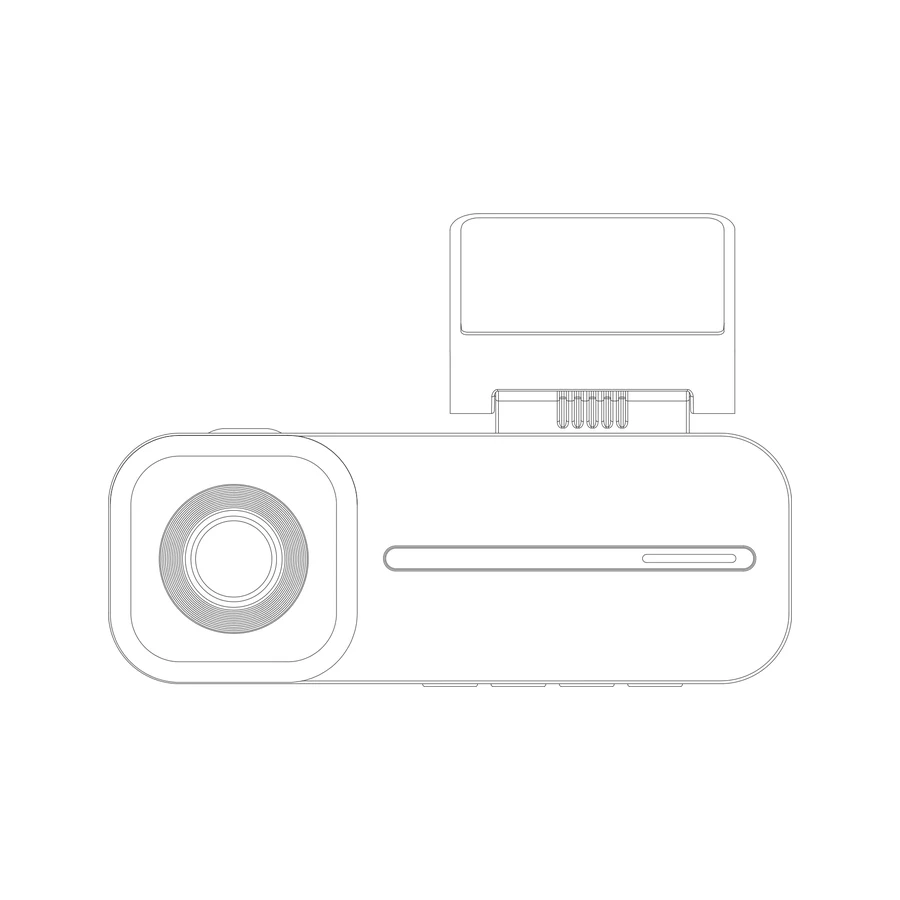
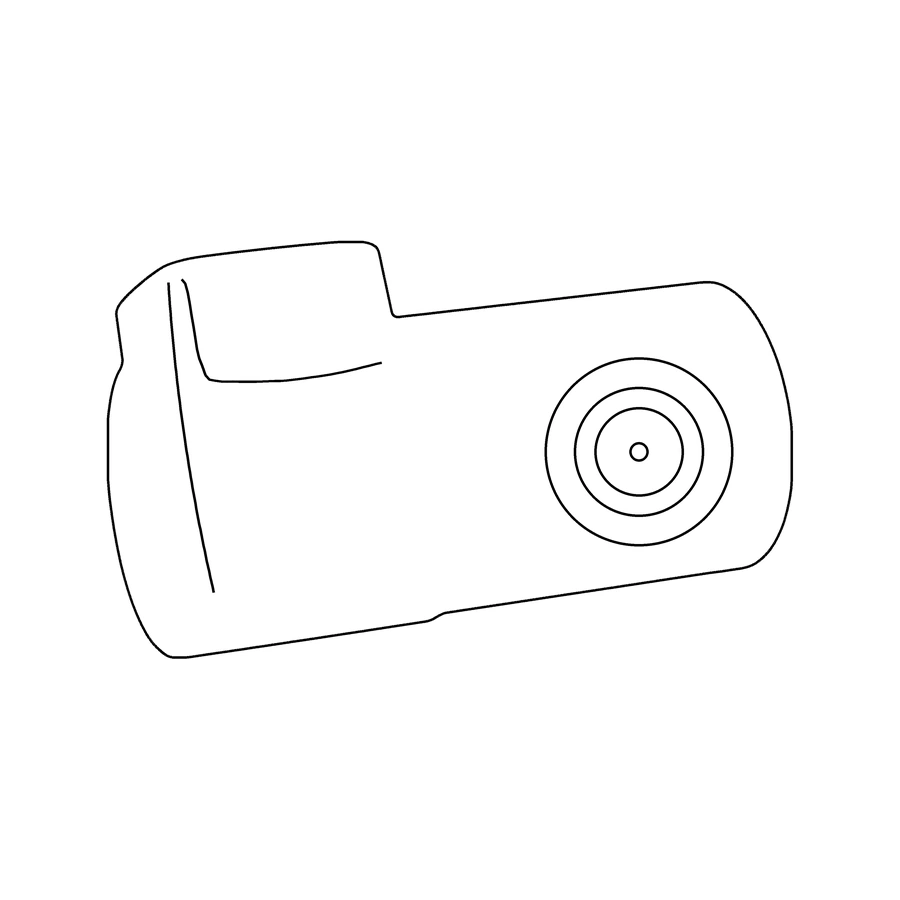
H2 camera
H2 · road + cabin
Hardwire kit
Hardwire kit
Fuse taps
Fuse taps
OBD-II adapter, free while supplies last
OBD-II adapter
User Manual
User Manual
Static-cling film
Static-cling film
Spare adhesive pad
Spare adhesive pad
Cleaning cloth
Cleaning cloth
Rear camera, sold separately
Rear cam · sold separately
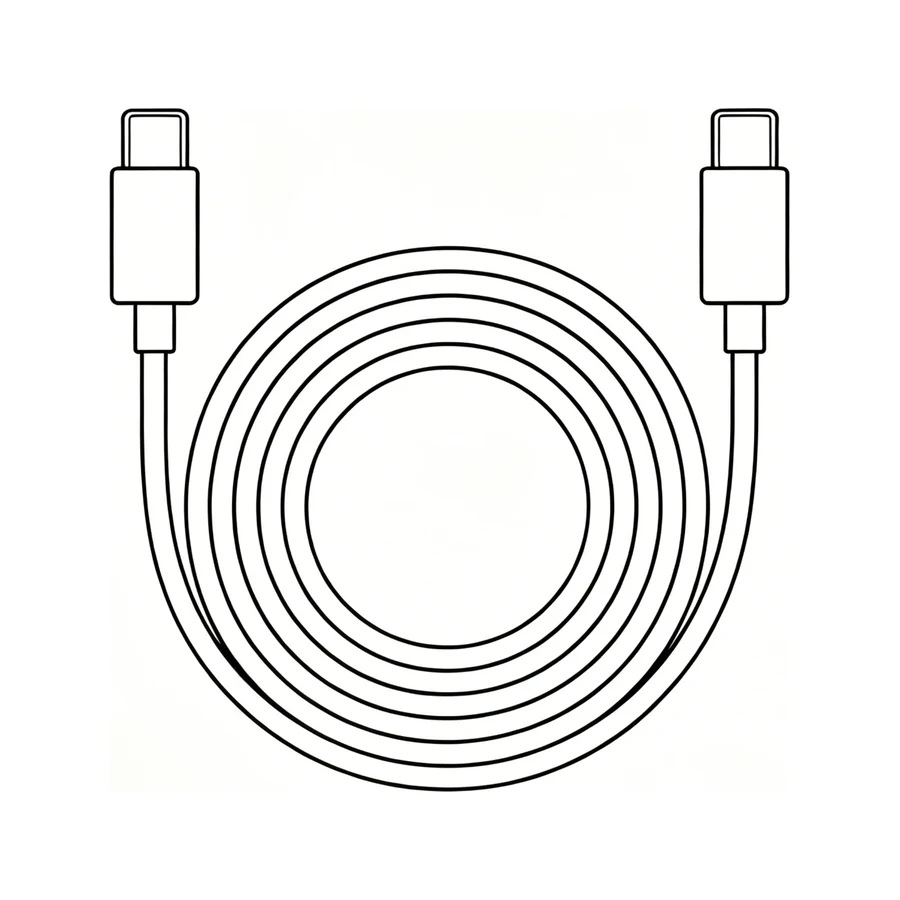
Rear camera cable
Rear cable · with the rear cam

That is the whole machine.

If something on this page is wrong, tell us and we will fix the page. support@smartsfweb.com

Buy the H2 — $179

$179 · Free US shipping, ships in 1–2 business days · 30 days to send it back if it isn’t for you

$179
Buy the H2