Buying guide
What Does a Dash Cam Subscription Actually Pay For?
Cellular data and cloud storage — not recording, which should never be gated behind a plan. Exactly which features cross a network, which tier levers matter, and the three trial questions worth asking before you buy rather than after.
It pays for two things: cellular data, and servers to hold your clips. Everything a dash cam does inside the car — recording as you drive, locking a clip on impact, letting you play footage back on the camera or over its own Wi-Fi — should work with no subscription at all. What a plan buys is the ability for the camera to reach you when you are not in the car.
That line is worth getting straight before you shop, because a listing that blurs it can leave you paying monthly for things that ought to have been free, or discovering after purchase that a feature you assumed was included is not.
What is local, and what needs a network
| What it does | Where it happens | Needs a plan? |
|---|---|---|
| Loop recording while driving | Camera → memory card | No |
| Locking a clip when it detects an impact | Camera → memory card | No |
| Watching footage on the camera screen | Camera | No |
| Copying files over the camera’s own Wi-Fi | Camera ↔ your phone, in the car | No |
| Live view from anywhere | Camera → cellular → servers → your phone | Yes |
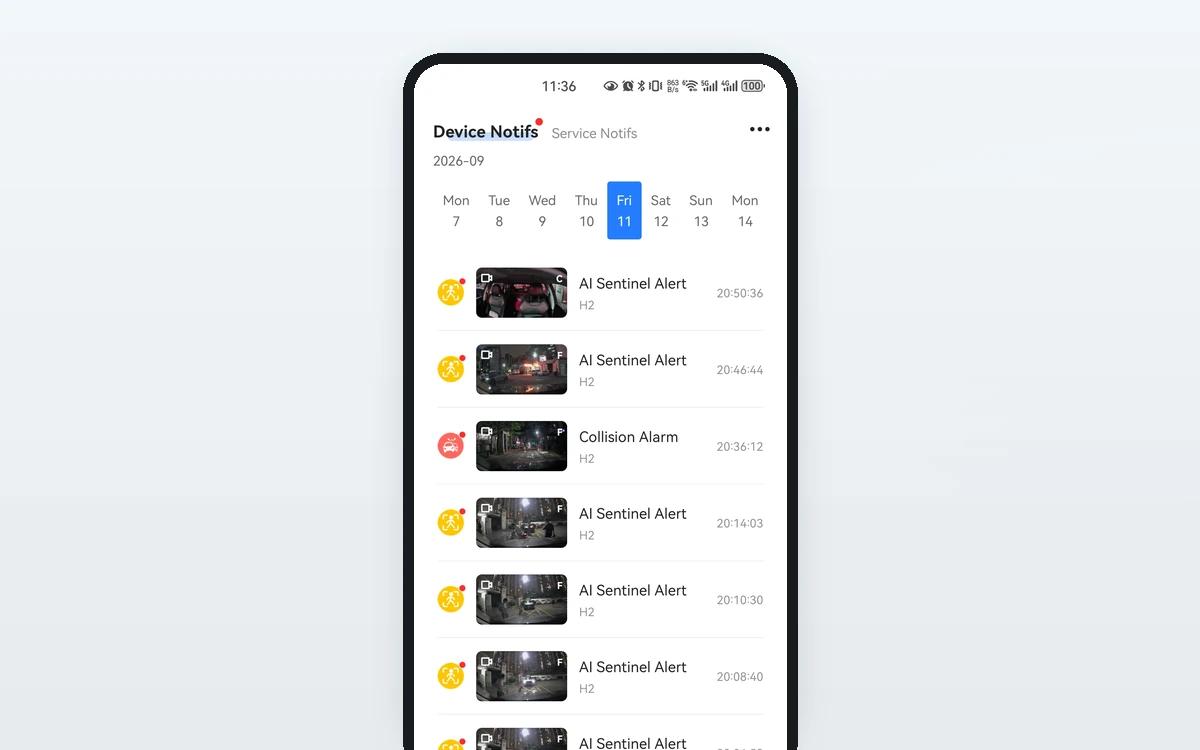
| Push alert while you are away from the car | Camera → cellular → servers → your phone | Yes |
| Cloud copies of event clips | Camera → cellular → storage | Yes |
| Live GPS position and route history | Camera → cellular → servers | Yes |
Read the middle column and the pricing stops feeling arbitrary. Everything free happens inside the car. Everything paid crosses a cellular network and lands on someone’s servers — both of which cost the provider money every month, which is why they cost you money every month.
Is it worth it?
Honestly: it depends on one question — do you care about the car when you are not in it?
If a dash cam is insurance evidence for you, and you are content to pull the card after an incident, you do not need a plan. Local recording covers that completely, and always has.
The plan earns its keep in the parked-car case. If someone hits your car in a parking garage, an unconnected camera has recorded it perfectly — and told you nothing. You will find it that evening, or next week, or when you notice the dent. A connected camera tells you while you are still nearby, which is the difference between a clip and a chance to actually do something with it.
The other case is fleet-ish use: a second driver, a teenager, a work vehicle. Live GPS and route history are only possible over a network.
What the tiers usually change
Plan tiers on connected dash cams generally move three levers. Knowing which lever you care about stops you buying the top tier by default:
- Data allowance. The biggest cost driver. Live view is what consumes it — a few minutes a week is a very different figure from checking in daily.
- Cloud storage and retention. Whether event clips are copied off the camera, and how long they are kept.
- History depth and sharing. How far back GPS route history goes, and how many people can see the camera.
Note what is usually not a lever: video quality and whether the camera records at all. If a listing gates recording quality behind a subscription, that is worth knowing before you buy, not after.
Two real examples: 70mai A810 and Wolfbox G840S
Those levers are easier to see on real products. These two sit at opposite ends of the connected / not-connected split, which makes them a useful pair to hold side by side.
The Wolfbox G840S has no subscription, because there is nothing to subscribe to. Wolfbox’s own specification comparison marks the G840S WIFI/APP Control: No, and there is no cloud service behind the model. It records to the 32 GB card supplied in the box (256 GB maximum), loop records, keeps G-sensor event locking and a GPS track for playback, and supports parking monitoring once a hardwire kit is added. Wolfbox answers the monthly-fee question directly in its own model comparison: its mirror dash cams record locally to a microSD card rather than requiring a monthly subscription. The product page frames the same fact as a privacy feature, describing recorded video as stored offline only.
So the running cost is zero, and what you trade away is the entire right-hand column of the table above. If the car is hit while parked, the G840S records it faithfully and tells nobody; you review it on the camera’s own 12-inch screen or by pulling the card. There is no push alert, no remote live view, and no off-camera copy if the camera itself is stolen or smashed.
The 70mai A810 is the other shape: local on its own, connected as a paid add-on. With no plan at all it behaves as a self-contained camera — loop recording and emergency recording to a microSD card, built-in GPS, and app control over the camera’s own Wi-Fi. Its parking features are listed as needing a hardwire kit, which is a one-off hardware purchase rather than a monthly one.
Going connected is a three-part step, and all three are worth knowing before you budget. 70mai’s 4G Cloud+ page sets out the sequence: start from a compatible camera — the A810 is on that list — add a 4G hardwire kit (UP05 or UP12, sold separately), activate a SIM, then choose a plan. On the SIM, 70mai’s own note is worth repeating: inclusion varies by region, and where it is not included you buy one separately.
The plans run to five tiers, and they move precisely the levers described above:
| 70mai 4G Cloud+ tier | Live view | Vehicle tracking | Cloud clip retention |
|---|---|---|---|
| Basic | 30 min per day | 15 times per month | 7 days |
| Standard | 60 min per day | 30 times per month | 15 days |
| Premium | Unlimited | Unlimited | 30 days |
| Standard Plus | 60 min per day | 30 times per month | 15 days |
| Premium Plus | Unlimited | Unlimited | 30 days |
The two “Plus” tiers read the same as their plain counterparts on those three levers because what they actually add — remote album playback and download, emergency cloud backup, two-way voice call — is marked as applying to the UP12 kit only. Part of what a tier gives you therefore depends on which hardwire kit you bought, not only on which plan you picked. That is an easy thing to misread on a comparison table.
What 70mai does not publish is the price. The 4G Cloud+ comparison sets out what each tier includes but carries no figures, and the “View Plans & Pricing” button does not lead to any either — the plan is bought inside the 70mai app. Selling plans in-app is common enough, but it does mean the monthly number is something you look up on the phone rather than compare while you are still shopping. If the running cost matters to your decision, that is the one to pin down first.
Between them these two cover the honest range of the question. The G840S answers “what if I never want a bill?” and accepts that the car cannot reach you. The A810 answers “what if I do?” and asks for a hardwire kit, a SIM and a monthly plan to get there. Neither is the wrong answer — they answer different questions, and the useful thing is knowing which question is yours before the box arrives.
Plan structures and prices change. Both makers’ own pages are the thing to check at the moment you buy, not a comparison written earlier — including this one.
The trial questions nobody asks until it’s too late
Free trials are where subscription annoyance actually comes from. Three questions, all answerable before you buy:
- How long is it, exactly? “30 days” and “30 days from activation” and “30 days from delivery” are three different dates.
- How do I cancel inside the trial without being charged? If the answer is not a specific place in an app, treat that as the answer.
- When does the first charge land? The day the trial ends, or the day you subscribed?
A product page that answers all three plainly is telling you something good about the company. One that says “30-day free trial” and stops is leaving the part you care about unanswered.
How the SmartSF H2 is priced
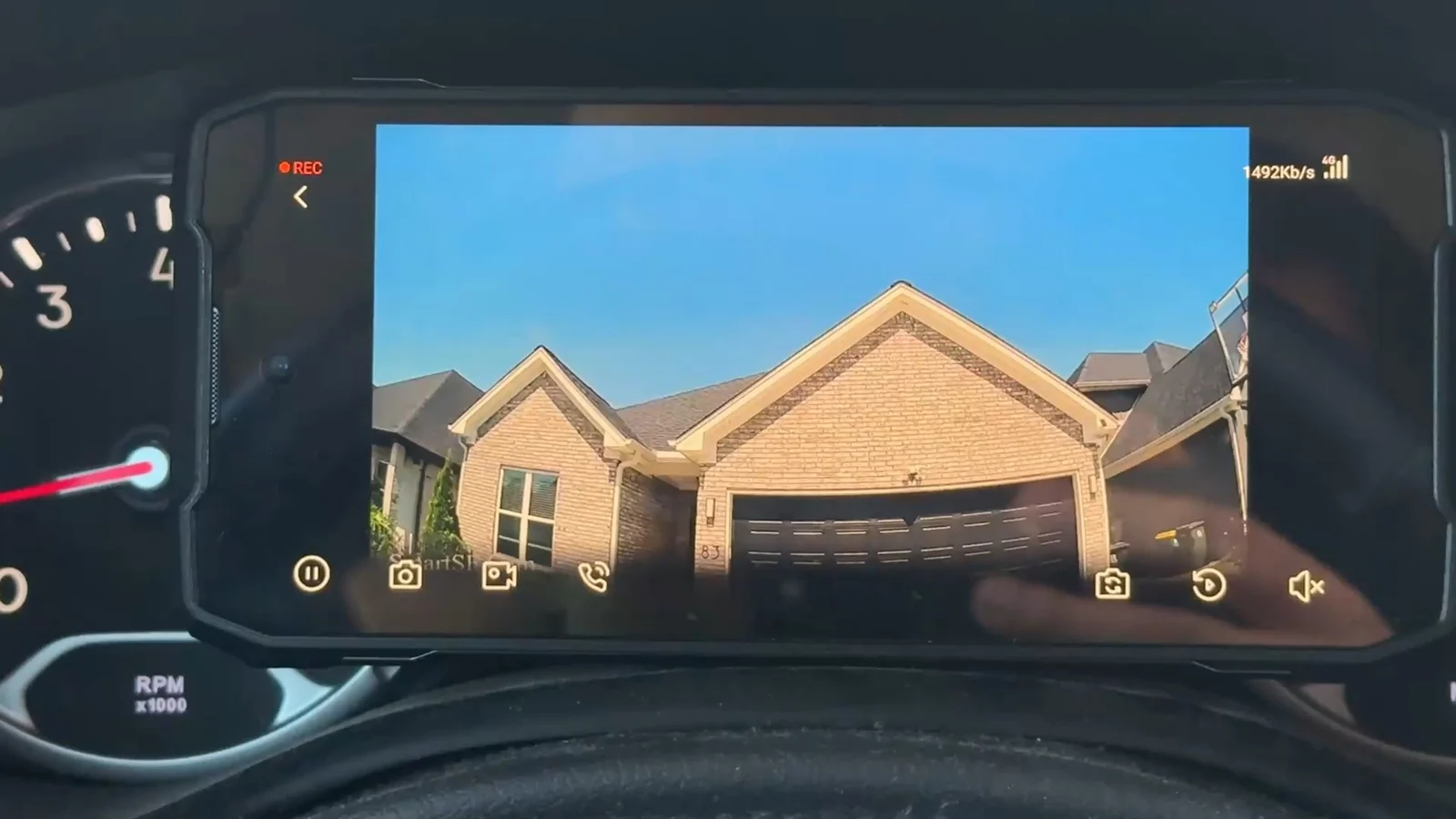
As a concrete example rather than a pitch. The H2 records to its pre-installed 64 GB microSD card with no plan at all, and collision-locked clips are stored locally the same way. Plans add the remote layer:
| Plan | Price | Data | What it adds |
|---|---|---|---|
| Basic | $9.99 / month | 1 GB | Remote live view and playback, AI Sentinel events, notifications, voice call, live GPS. Shares with 2 users. No cloud storage. |
| Standard | $19.99 / month | 5 GB | Everything in Basic, plus cloud event storage kept 7 days, AI Cloud Snap, GPS track history and Video on Map. Shares with 10 users. |
| Premium | $29.99 / month | Unlimited | All Standard features, with 7-day cloud event retention and 30-day GPS track history. Unlimited shared users. |
| Standard Yearly | $199.99 / year | 60 GB / year | Standard’s benefits, billed annually. Shares with 10 users. |
Every new device has 30 days of Standard benefits at no charge with no subscription — you claim them in the app after the camera is paired, they do not start on their own — and a first subscription then adds its own 30-day trial — cancel any time before it ends and you pay nothing; the first charge only comes once the trial is over. A 2 GB data top-up is $9.99 if a month runs long. Local recording does not consume plan data; remote features do.
The short version
A dash cam subscription pays for cellular data and cloud storage — not for recording, which should never be gated. If you want a camera that records what happens and nothing more, buy one that records locally and never subscribe. If you want to be told while your parked car is being hit, that is the thing you are paying for, and it is worth deciding whether it is worth it to you before the trial ends rather than after.