Buying guide
Dash Cam microSD Cards: Why U3/V30, and What Decides How Long 64 GB Lasts
U3 and V30 both certify a 30 MB/s sustained write — the floor a continuously-writing dash cam needs, and why the H2 takes 32–256 GB cards at U3/V30 or above with 64 GB already installed. Why the headline read speed is the wrong number, what really decides how fast a card fills, and what a bigger card won't fix.
U3 and V30 are promises about the slowest a card will write, not the fastest. A card carrying either mark is rated to sustain 30 MB/s of continuous writing without stalling, and sustained writing is the entire job of a dash cam card — two or three video streams landing on it, every second the camera is powered, for years. That is why the H2 accepts 32–256 GB cards rated U3/V30 or above and nothing slower, and why the number on the front of the package (the burst read speed) is the one figure that does not matter here.
The second half of the question — how long 64 GB lasts — has no honest fixed answer. What the card holds depends on how many cameras are running, the frame rate, how much of the time the car is parked and watching, and how many clips have been locked out of the loop. Below is what each of those does, so you can reason about your own car instead of trusting someone else’s number.
What do U3 and V30 actually mean on the package?
Two different rating systems describing the same floor. U3 (UHS Speed Class 3, printed as a 3 inside a U) and V30 (Video Speed Class 30) both certify a minimum sustained sequential write of 30 MB/s. V-class ratings go higher — V60, V90 — and those are fine in the H2 too, since it asks for U3/V30 or above.
What you can safely ignore is the large “up to 170 MB/s” figure on the front of most cards. That is a burst read speed under ideal conditions: how fast a computer can pull files off the card. A dash cam almost never reads. It writes, constantly, and the guaranteed floor is what keeps it from dropping frames.
Why does a dash cam care about sustained speed when a phone doesn’t?
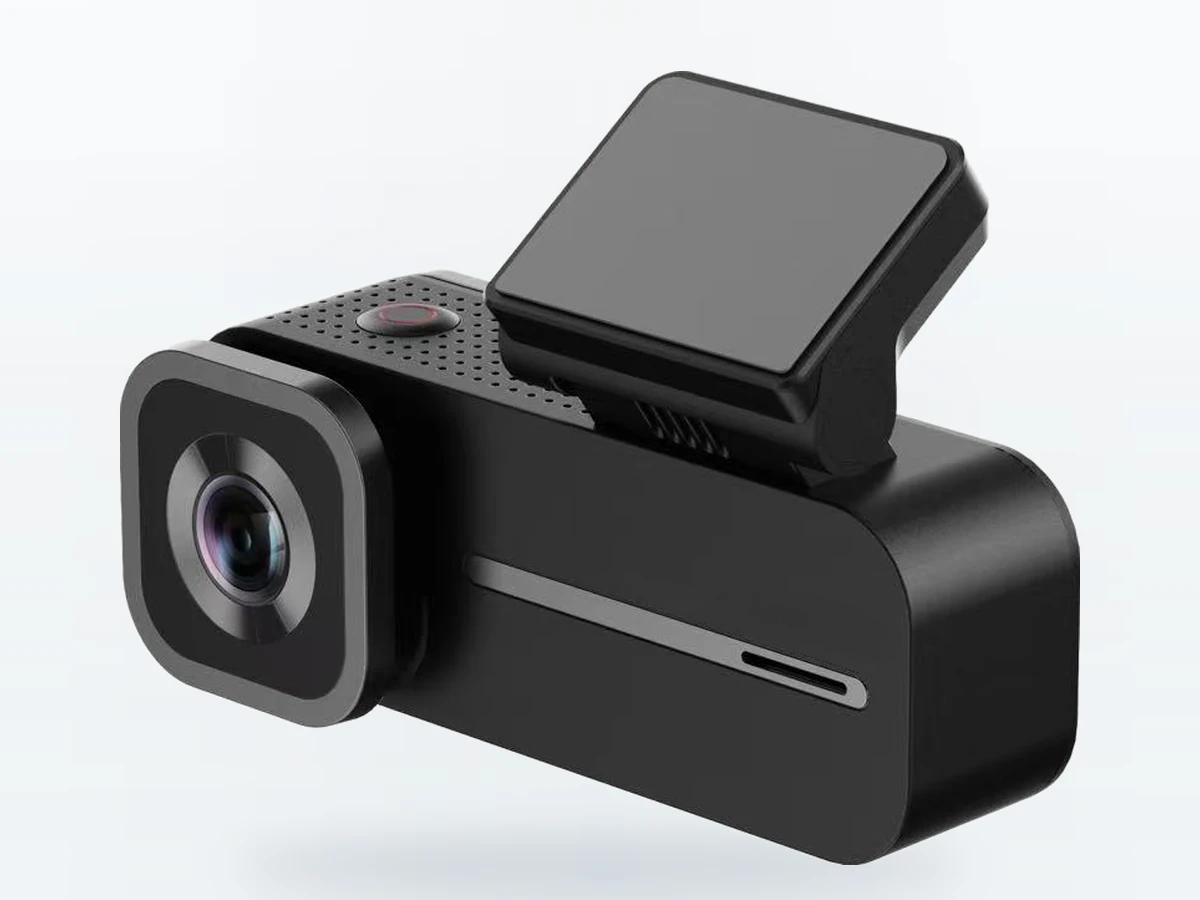
A phone writes a burst, then idles. A dash cam never idles. The H2 writes the road channel and the cabin channel at the same time, adds a third stream if the rear-camera kit is fitted, and keeps going for the whole drive — then keeps going while the car sits, if parking monitoring is powered. The recorder has a small buffer and no way to ask the road to slow down. If the card cannot keep up, the result is not an error message; it is a dropped or corrupted file, discovered on the day you needed that file.
It is also why the H2 asks you to format a new card in the camera itself (Storage → Format) before the first drive, rather than dropping in one formatted on a laptop.
So how long does 64 GB last?
It depends — and here is exactly what on. Every row below is a setting or habit that moves the figure, and which way it moves it.
| What changes | Where it lives | Effect on how fast the card fills |
|---|---|---|
| Number of channels recording | Road and cabin always; rear only with the rear-camera kit | The biggest single factor. Each camera is its own stream landing on the same card. |
| Frame rate | Recorder menu: 25 / 30 / Auto, ships on 25 | 30 fps writes more per minute than 25 fps. |
| Loop length | 1, 2 or 3 minutes | Changes the size of each file, not the total footage the card holds. |
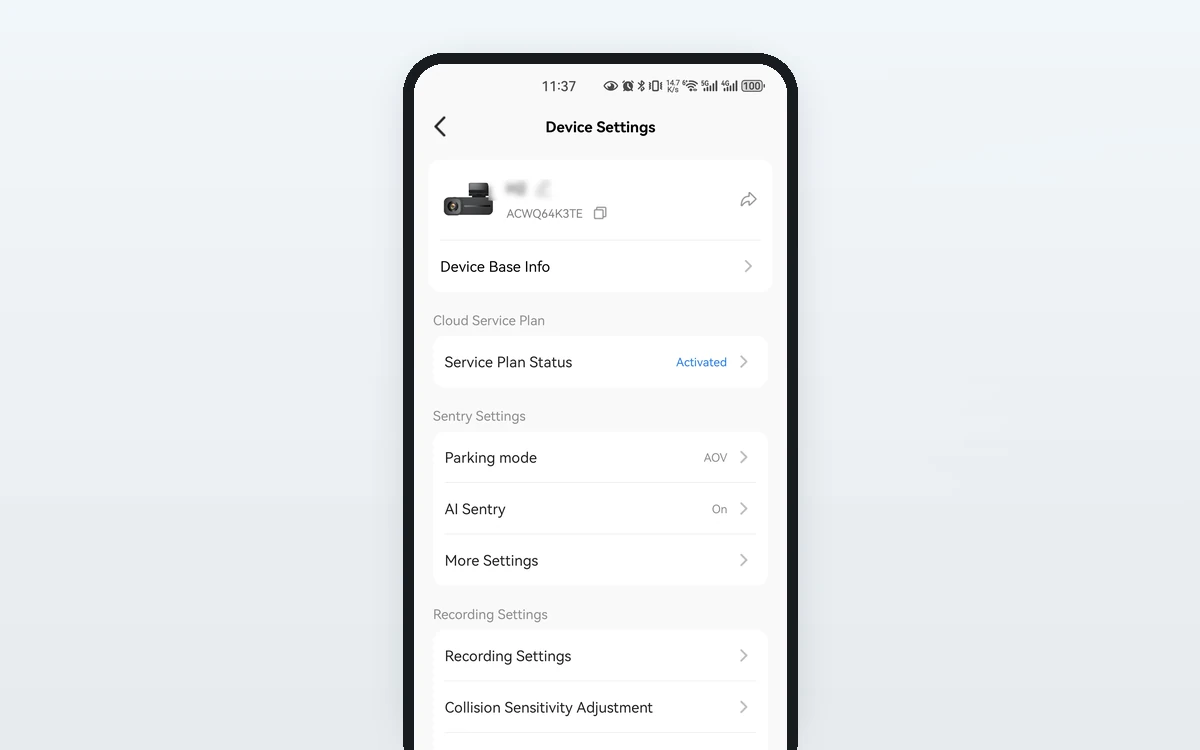
| Parking mode | AOV records continuously at 1 / 0.5 / 0.2 fps (default 1 fps); Standby sleeps until it feels an impact | AOV keeps writing the whole time the car is parked. Standby writes almost nothing until something happens. |
| G-sensor sensitivity | Off / Low / Mid / High, ships on Mid | Higher sensitivity locks more clips. Locked clips leave the loop and are not overwritten, so they accumulate and reduce the space left to loop in. |
| Manually locked clips and photos | Up button locks the current file; photos share the card | Same effect: permanent occupancy until you clear them. |
Those rows explain most of the disagreement online about “how many hours a 64 GB card holds”. Someone running one channel in a garage overnight and someone running three channels with AOV parking on a street are describing two very different cards. We do not publish an hours figure for the H2 because we cannot publish one that is true for both of them.
Do I need a bigger card than the one in the box?
Usually not on day one. The H2 ships with a 64 GB microSD card already installed, so it records from the first drive with nothing bought. The case for a larger card is loop depth — how far back you can still reach before the oldest unlocked file is overwritten.
| Card size | Supported? | Who it suits |
|---|---|---|
| Under 32 GB | No | Below the H2’s supported range. |
| 32 GB | Yes, at U3/V30 or above | The floor. Works, but gives the shallowest loop before overwriting. |
| 64 GB | Included and pre-installed | Most owners. Road plus cabin, daily driving, occasional parking watch. |
| 128 GB | Yes, at U3/V30 or above | Three channels with the rear-camera kit, AOV parking most nights, or anyone who checks footage a week later rather than the same evening. |
| 256 GB | Yes, at U3/V30 or above | The ceiling the H2 accepts. Deepest loop; beyond this the camera will not take it. |
| Any size, rated below U3/V30 | No | Capacity in range is not enough — the speed rating is the requirement. |
If you swap the card, format the new one in the camera first and keep the original 64 GB card as a spare. A card is the cheapest part of the system and the one most likely to be the problem when something goes wrong.
What happens when the card fills up?
Nothing dramatic — that is the point of loop recording. The H2 writes 1, 2 or 3-minute files and, when the card is full, the oldest unlocked file is deleted to make room. Files the G-sensor locked on impact, and files you locked yourself with the Up button, are moved out of the loop and are not overwritten.
So the loop protects you from running out of space, and it is also the thing that will eventually delete the clip you meant to keep. Anything that matters should come off the card. On the H2 that is a local job — Wi-Fi 6 (2.4 and 5 GHz) pulls the full-resolution file straight to your phone at the car, no card removal and no cellular data used. Cloud backup of locked event clips is a Standard or Premium feature, and the cloud copy is 1280×720 at 30 fps, smaller than the file on the card.
How long does the card itself last?
Loop recording is a constant-rewrite workload, harder on flash memory than almost anything a card does in a phone. U3 and V30 rate speed, not lifetime, so a card can meet the H2’s requirement and still wear out eventually — every card will, given enough rewrites. High-endurance cards, sold for continuous-recording use, exist for that reason.
We will not quote a lifespan in months, because it depends on how many hours a day the camera runs and how much of that is parking monitoring. What is worth doing: check playback occasionally rather than assuming, reformat in the camera from time to time as with any looping recorder, and replace the card rather than argue with it if files come back short, missing or unplayable.
What a bigger or faster card will not fix
A card is often the first thing people upgrade, and it solves a narrower problem than they expect.
- It does not improve image quality. The road channel writes 2560×1440 interpolated from a native 1920×1080 sensor; the cabin channel is 1080p. That is set by the sensor and the mode, not by the card under it.
- It does not extend the parking watch. The watch ends at the monitoring window you set — up to 24 hours on the H2 — or when low-voltage protection cuts in to protect the car battery, whichever comes first. Storage is not what limits it.
- It does not survive the camera being taken. A card only helps if the camera is still there. Cloud backup of locked clips on Standard and Premium is the answer to that, and it needs an active plan and cellular coverage where the car is parked.
- It is not a backup. The loop will eventually reach any file you leave on it. Locking a clip buys you time, not permanence.
- It is not what makes the camera record. Local recording to the card needs no plan at all; the plan buys the remote half.
Full storage and recording specifications are on the H2 product page, and the card question sits alongside the other common ones in the FAQ.
The short version
- U3 and V30 both mean a guaranteed 30 MB/s sustained write. That floor, not the headline read speed, is what a continuously-writing dash cam needs.
- The H2 supports 32–256 GB at U3/V30 or above, and a 64 GB card is included and already installed.
- There is no honest single answer to “how long does 64 GB last”. Channels recording, frame rate, parking mode and locked-clip count each move it substantially.
- A larger card buys loop depth — how far back you can still reach — and nothing else.
- Format a new card in the camera (Storage → Format) before the first drive, and get anything that matters off the card before the loop reaches it.