Support
What to Do After a Parking Hit-and-Run: Getting Usable Footage
The clip is already on the cameras microSD card; the work is getting it off before the loop overwrites it. How to find the locked event clip, why the original beats the smaller cloud copy, what belongs in the bundle you send an insurer, and what dash cam footage genuinely cannot do for you.
If someone hits your parked car and drives off, the clip you need is already on the camera’s microSD card — the work in the first day is keeping it from being overwritten and getting a copy off the card before anything else happens. Photograph the damage before you move the car, find the clip by timestamp, export it unedited, and file a police report the same day, because that report number is what an insurer attaches video to. The camera does the recording. Everything that turns a recording into usable evidence is what you do in the hours afterward.
Why does the first hour matter more than the camera’s specs?
A dash cam records in a loop. The H2 writes 1-, 2- or 3-minute segments, and once the card is full the oldest unprotected segment is the next one to go. Footage of an impact only survives on its own if the camera detected the impact and locked that segment into event storage, and even a locked file is sitting on the same 64 GB card in a car you are still driving. Every day you leave it there is a day something can go wrong with it.
The parked watch has an end too. AI Sentinel monitoring runs for the window you set, up to 24 hours, and low-voltage protection shuts it down early if the battery falls to the threshold you chose. That matters for expectations: if the car sat for three days at an airport lot, the watch almost certainly ended long before you came back, and a hit on the last morning may not have been recorded at all. If it happened inside the window, the file is there — go get it.
What actually triggers a recording when nobody is in the car?
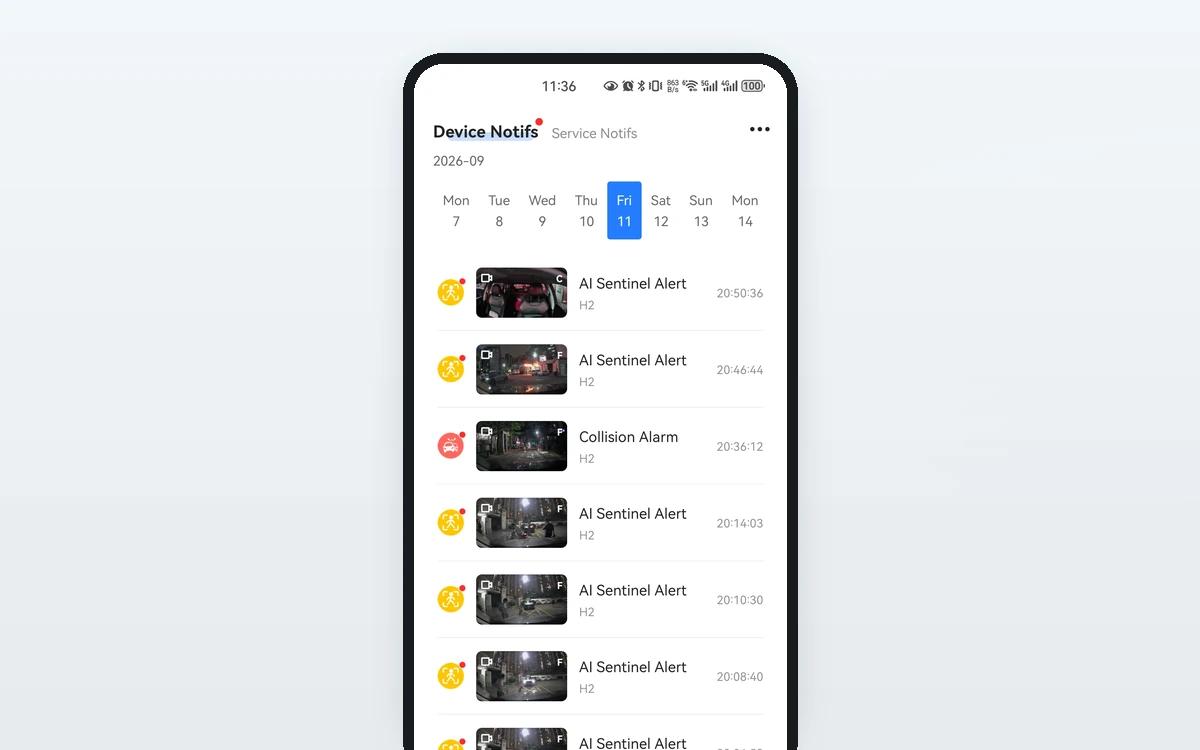
Two different things, and they are worth telling apart. Collision detection responds to the physical jolt of something striking the car and locks the segment around it. AI Sentinel responds to what the camera sees — motion and activity in front of the vehicle — which is what catches the approach and the walk-away, not just the bang. A hit-and-run is exactly the case where the second one earns its keep, because the useful thirty seconds are usually the ones before and after contact: the vehicle rolling in, the door opening, the plate turning toward the lens.
Whether any of that reaches your phone while it is happening is a separate question. Local recording to the card needs no plan at all. Push alerts, remote live view, cloud copies and voice call are plan features and need cellular coverage where the car is parked. A driver on Basic ($9.99/month) gets the notification and can look live; cloud event storage starts at Standard ($19.99/month).
Where does the clip live, and how long does it stay there?
There is rarely one copy. Knowing which copy you are looking at decides what you hand over, because they are not the same file.
| Copy | What it is | How long it lasts | What it needs |
|---|---|---|---|
| Loop segment on the card | Ordinary 1/2/3-minute recording | Overwritten in turn once the card fills | Power and the card — no plan |
| Locked event clip on the card | The segment the camera protected when it detected an impact | Held back from the loop, but still on the same card in the car | Power and the card — no plan |
| Cloud event clip | A 1280×720 30 fps copy — smaller than the file on the card | 7-day retention | Standard or above, plus coverage |
| Alert in the app | The notification, with its clip attached | Tied to the cloud copy behind it | Basic or above, plus coverage |
| GPS track history | Where the car was, on a map | 7 days on Standard, 30 days on Premium | Standard or above |
The line that catches people out is the third one. The cloud copy is a convenience copy — it is there so an alert can carry video over a cellular connection, and it is deliberately smaller than what the card holds. For an insurance file or a police report, pull the file off the card.
How do you get the file off the camera without damaging your case?
Three routes, in the order most people should try them.
- The app, over Wi-Fi. The H2 carries Wi-Fi 6 on 2.4 and 5 GHz for local file access, which is the fast way to browse the card and export a clip to your phone with the car in front of you.
- The app, remotely. Remote playback is a plan feature. It is the right route when you are not standing next to the car and want to confirm something was captured before you drive anywhere.
- The card itself. Power the camera down, take the microSD card out and read it on a computer. Slowest, least convenient, and the one that does not care whether the network is cooperating.
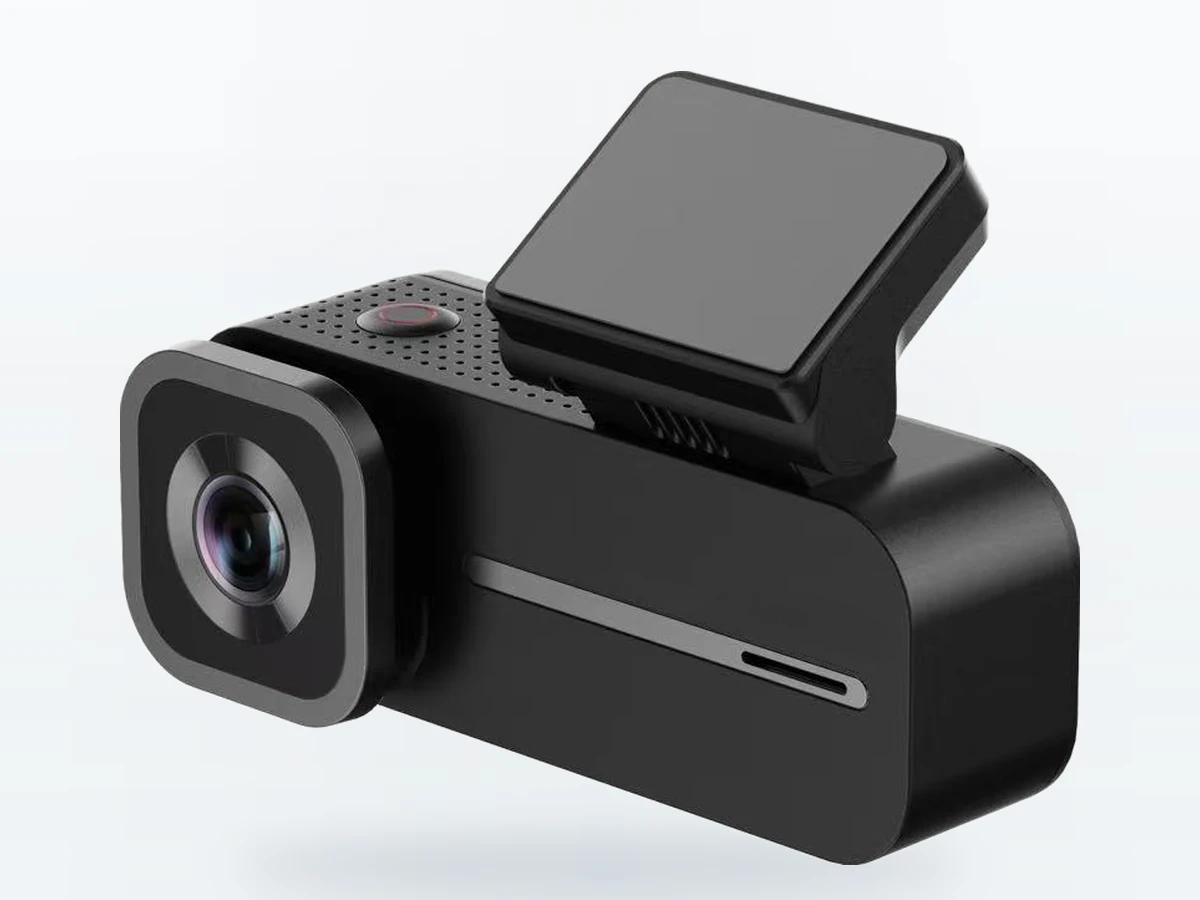
Two habits matter more than which route you pick. Export the original file rather than a screen recording or a re-encode from a messaging app — the camera stamps its own time, date and GPS data, and a clip that has been through a chat thread has usually lost some of that. And copy, do not move: leave the file on the card as well until the claim is closed and you have it in at least two places.
What belongs in the package you hand to the police or the insurer?
The video on its own does less work than people expect. What gets acted on is a small, tidy bundle:
- The original clip, unedited, with the camera’s own timestamp visible in the frame.
- A minute either side of the impact, not a five-second cut. The approach and the departure are where a plate or a vehicle description comes from.
- Still photos of the damage, taken before the car is moved, plus a wide shot showing where it was parked.
- The police report number. In most places a hit-and-run on a parked car can be reported even with no suspect, and insurers generally want that number on the claim.
- Time and location in writing — the H2 records five-system GNSS position, and track history on a plan will show where the car was sitting.
Send it once, complete. A claim handler working from one clear folder moves faster than one chasing three follow-up emails.
What will a dash cam not do for you after a hit-and-run?
This is the honest part, and it is the reason to set expectations before you need them rather than after.
It cannot promise you a readable plate. The road camera has a fast F1.55 lens, hardware HDR and WDR, and records 2560×1440 interpolated from a native 1920×1080 sensor — but plate legibility depends on distance, angle, light, weather and how fast the other car was moving. No specification we publish supports a guarantee, so we do not make one. A 136.8° diagonal field of view catches a wide scene; it does not turn a dim plate at forty feet into a legible one.
It cannot watch what it is not pointed at. A front-and-cabin camera sees forward and inside. A hit to the rear bumper in a parking garage may register as a jolt on the collision sensor with nothing identifying in the frame. The rear camera is a paid kit option at $20, currently between shipments; we do not list it as a standalone product, and once it is back an owner can arrange one at the same price by emailing support@smartsfweb.com.
It cannot watch indefinitely. Up to 24 hours per window, ending sooner if low-voltage protection trips. Long-stay parking is outside what a starter battery supports, and any camera that claims otherwise is quietly relying on a second battery.
It cannot make someone pay. Footage is evidence, not a verdict. It strengthens a claim, shortens an argument about fault, and sometimes identifies a vehicle — the outcome still runs through your insurer and local law. Recording-consent rules vary by state, and audio recording is off from the factory on the H2 for that reason.
The short version
Photograph the damage before you move the car. Find the locked event clip by timestamp, export the original off the card rather than the smaller 1280×720 cloud copy, and keep a minute either side of the impact. File the police report the same day and send the insurer one complete bundle: clip, stills, report number, time and location.
Set it up so the next one is easier. Constant power through the included hardwire kit or the OBD-II adapter is what lets the camera watch at all; the monitoring window tops out at 24 hours and low-voltage protection is what keeps the watch from costing you a jump start. A plan is what puts the alert on your phone while you are still in the building. The card is what holds the file you will actually send.