Support
Dash Cam Footage and Insurance Claims: What Actually Helps
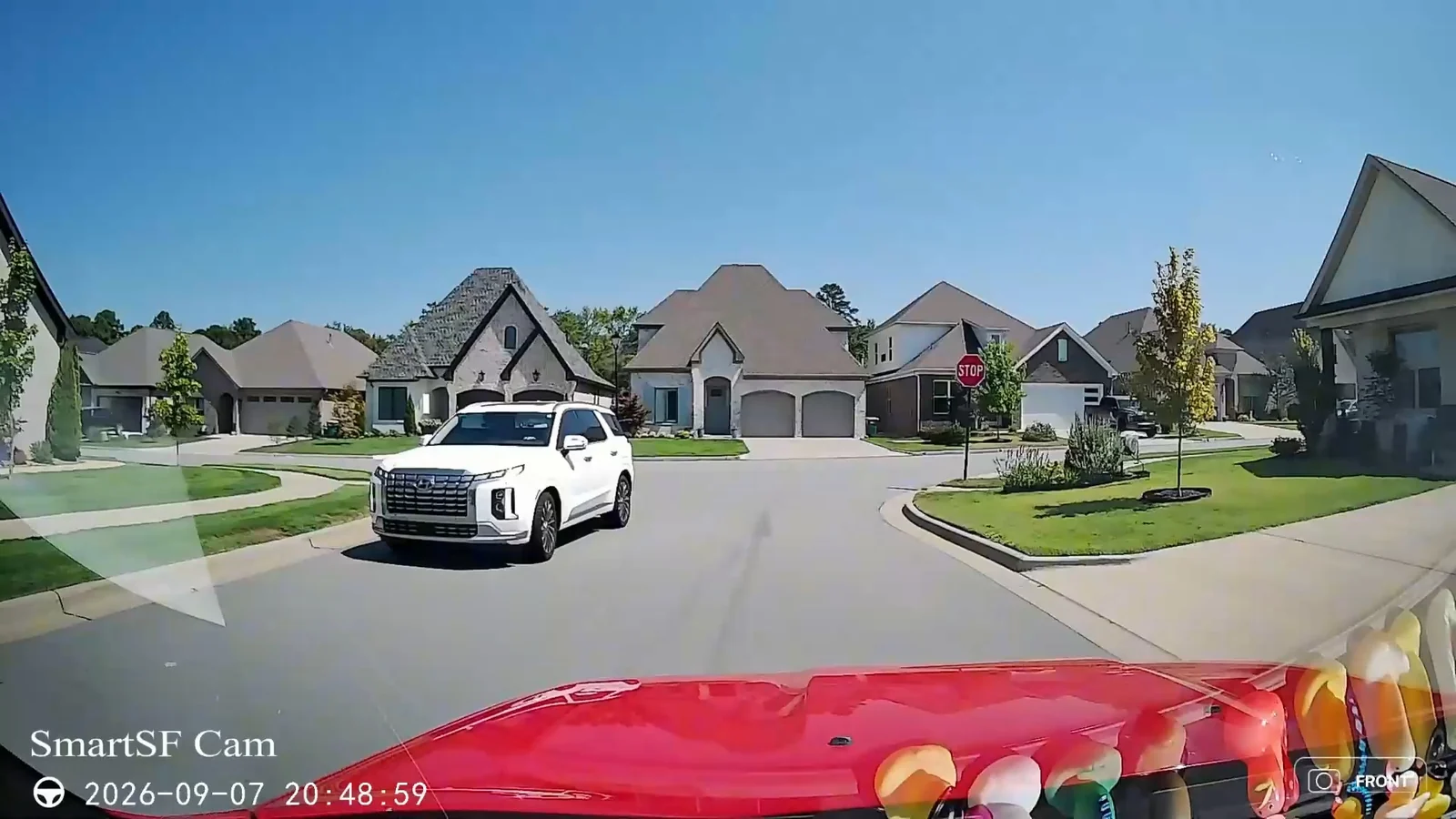
Dash cam footage helps an insurance claim most when fault is disputed: hand over the unedited original from the card, with its time and GPS stamp intact.
Dash cam footage helps an insurance claim most in one specific situation: the other party’s account of what happened differs from yours, and there were no independent witnesses. A clear, unedited clip with its own time stamp is the strongest single thing you can add to that file. What footage does not do is decide the claim — your insurer’s claims handler does that, weighing the video alongside the police report, the damage photos and both statements.
So the useful question is not whether to record, but whether the clip you hand over is one an adjuster can actually work with. Three things decide that, and all three are settled before the incident happens: the file is the original rather than a re-encoded copy, it still exists when you go looking for it, and it carries its own date, time and position stamp.
What makes a dash cam clip usable in an insurance claim?
An original, continuous clip that shows the moments before and after the impact, with a legible date, time and location stamp, and that you can hand over as the file the camera wrote. Trimmed, screen-recorded or phone-filmed-off-a-screen versions invite the obvious question of what was cut. Continuity matters as much as the impact frame: a clip starting one second before contact says very little about who had right of way.
The table below lists what a claim file usually needs, where each piece exists on a SmartSF H2, and who decides whether it counts. We have deliberately left the legal and policy cells as “who decides” rather than rules, because those vary and we are not your adjuster or your attorney.
| What the claim file needs | Where it comes from on the H2 | Condition this assumes | Who decides whether it counts |
|---|---|---|---|
| The unedited original video file | The clip as written to the included 64 GB microSD card — road camera 2560×1440 interpolated from a native 1920×1080 sensor, up to 30 fps | The card still holds it: loop recording writes 1-, 2- or 3-minute segments and overwrites the oldest first unless the clip is locked as an event | Your insurer’s claims handler |
| Date, time and location on the footage | The camera’s own stamp burned into the frame, positioned by five-system GNSS (GPS, GLONASS, Galileo, BeiDou, QZSS) | A GNSS fix was acquired and the stamp was left switched on in the menu | Claims handler, and the police report if one is filed |
| A copy that does not live only on the card | Cloud event storage on plans that include it — the cloud copy is 1280×720 at 30 fps, retained 7 days | An active plan with cloud storage (Standard $19.99/month, Standard Yearly $199.99/year or Premium $29.99/month) plus cellular coverage where the car is parked | Your insurer, on whether it accepts a smaller re-encoded copy |
| What happened inside the car | 1080p cabin camera, F2.0, 138° diagonal / 115.8° horizontal field of view, 940 nm IR-compatible optics; audio recording ships switched off and is enabled with the Down button | Recording-consent rules for audio and cabin video differ by jurisdiction and are the owner’s responsibility | Your state’s law, and your platform if you drive for one |
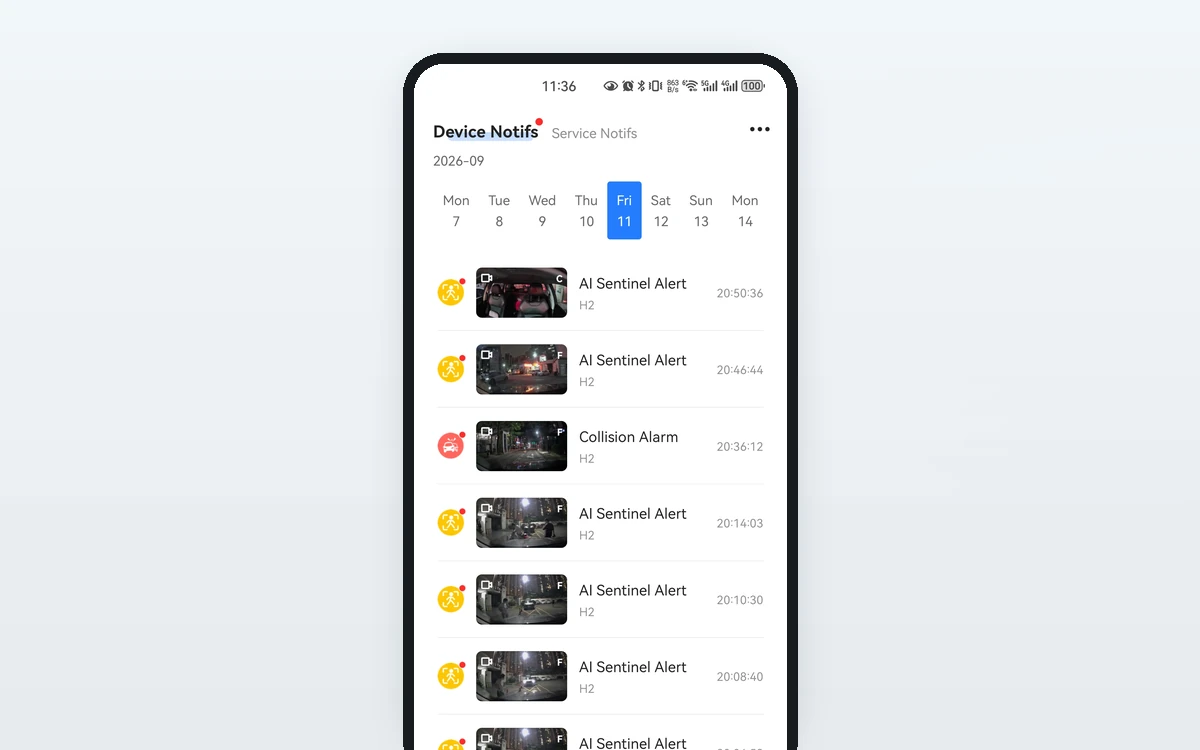
| Evidence the car was parked and unattended | AI Sentinel parking monitoring with collision detection, in monitoring windows of up to 24 hours at a time | Constant power from the included B+/ACC/GND hardwire cable or the OBD-II adapter, and low-voltage protection has not yet cut the watch off | Claims handler |
| The other driver’s plate and identity | Not something any dash cam guarantees — no plate-readability or night-vision distance claim is published for the H2, so we make none | Depends on distance, angle, light, weather and how clean the windshield is | Police investigation and your insurer |
| A police report number | Not from the camera at all | Your local department’s process for this kind of incident | The police department |
Should you send the copy from the card or the copy from the cloud?
Send the file from the microSD card whenever you still have it. It is the original the camera wrote, at the full resolution the road camera records, and nothing has re-encoded it. The cloud copy is for the case where the card is gone — the car was stolen, the camera was taken, or you are away from the vehicle and the adjuster wants something today. It is a real copy of the event, just a smaller one.
| Copy on the microSD card | Copy in the cloud | |
|---|---|---|
| Road-camera resolution | 2560×1440, interpolated from a native 1920×1080 sensor | 1280×720 |
| Frame rate | Up to 30 fps; the menu offers 25 / 30 / Auto and ships set to 25 fps | 30 fps |
| How long it stays available | Until loop recording overwrites it, unless it is locked as an event clip | 7 days of cloud event retention, on every plan that includes cloud storage |
| Needs a data & cloud plan | No — local recording needs no plan at all | Yes, plus cellular coverage at the car |
| How you get the file | Take the card out, or pull it over Wi-Fi 6 (2.4 + 5 GHz) in the SmartSF App while at the car | Download it in the app from anywhere |
| Send this one when | You still have the card and the clip is on it | The card or camera is gone, or you need a copy before you can get to the car |
If an adjuster asks for the highest-quality version available, that is the card file. A new H2 comes with 30 days of Standard benefits at no charge, which the owner claims in the app after pairing — they do not start on their own — so cloud event storage is something to switch on and test before you need it, not after. Full tier details are on the plans page.
How do you save the clip before loop recording overwrites it?
Lock it or copy it the same day. A dash cam is a loop recorder by design: the H2 writes 1-, 2- or 3-minute segments and reuses the oldest space when the card fills, so the clip you need has a shelf life that depends on card size, how many channels are running and how much of the time the camera is recording. Event clips triggered by collision detection are locked and protected from the loop, but a clip you only realised mattered afterwards is not — that one you copy off manually.
The practical sequence after an incident is: find the clip in the app or on the camera’s own 2.99-inch display, lock or download it, then copy the file somewhere that is not the card — your phone, a computer, cloud storage — before you drive the car again. We walk through the parked-car version of this in what to do after a parking hit-and-run, and the card side of the trade-off in the microSD card guide.
What does the camera record besides the picture?
Position and time, from five-system GNSS, and the event flags that mark a clip as a collision. That matters in a claim because a disputed account is often about where and when, not only what: a stamped location and the recorded track answer questions a plain video cannot. On the H2, live GPS is a plan feature and GPS track history is retained 7 days on Standard and 30 days on Premium, so the route record is a subscription capability rather than something the card keeps indefinitely.
Audio is the other channel worth knowing about, and the H2 ships with it off. Enabled, it can capture what was said at the scene; whether you may record it is a consent question that varies by state and belongs to you as the owner, not to us. The cabin camera and privacy guide goes through how to think about that.
Will a dash cam lower your insurance premium?
We cannot tell you that it will, and we do not publish a figure for it. Whether a camera affects a premium is set by the individual insurer and the state it writes in, so the only honest answer is to ask your own insurer directly — before you buy, if the discount is part of why you are buying. What a camera changes reliably is a different thing: the quality of the evidence in a claim you are already making.
The same applies to how footage is submitted. Some carriers take an upload in their app, some want a file by email, some ask for the original on physical media. That is worth a two-minute phone call to your own carrier, and it is not something we can answer for you.
What dash cam footage will not do for your claim?
It will not make a plate legible that the optics could not resolve, and it will not substitute for the parts of a claim that happen off-camera. The H2’s road camera records 2K 2560×1440 interpolated from a native 1920×1080 sensor — if native 4K is your requirement for plate capture, this is the wrong camera, and we would rather say so here than in a support ticket. No night-vision distance and no “plates always readable” claim is published for it, because the specification does not support one.
The other honest limits:
- A camera is not a witness to everything. The road camera’s horizontal field of view is 115.8°; an impact outside that arc, or on the far side of the car, may simply not be in frame. The rear camera comes only with the rear-camera kit option and is not listed as a separate product — once it is back in stock, an owner can arrange one at the same $20 by emailing support@smartsfweb.com.
- The parked watch is finite. Monitoring runs for the window you set, up to 24 hours at a time, and low-voltage protection ends it when the battery reaches the threshold. A clip cannot exist from an hour the camera was not watching.
- No plan means no alert. Local recording works with no subscription, but push notifications, remote live view and cloud copies do not. Without them, you find out about a parking incident when you walk back to the car — which is often long enough for the loop to matter.
- Footage cuts both ways. A clip that shows the incident shows your own driving in the same frames. That is an argument for recording, not against it, but it is not a one-way tool.
- It cannot create the other party’s details. You still need the other driver’s information, or a police report where there is no identifiable driver.
The short version
Dash cam footage earns its place in a claim when fault is disputed and nobody else saw it. Hand over the unedited original from the card, with its time and location stamp intact, showing the seconds before and after the impact. Lock or copy the clip the same day, because loop recording is doing its job the whole time. Keep a copy somewhere other than the card — cloud event storage on a plan that includes it holds a 1280×720 copy for 7 days, which is the backstop for a stolen card, not a replacement for the original. Ask your own insurer how it wants footage submitted, and whether it does anything about your premium; those two answers are theirs to give, not ours. And take the camera’s limits at face value: 2K interpolated from a 1080p sensor, a 115.8° horizontal view, a parked watch of up to 24 hours. The full specification is on the H2 page.